TimeFactor User Guide Control Knobs/Effect Parameters
20
Control Knobs/Effect Parameters
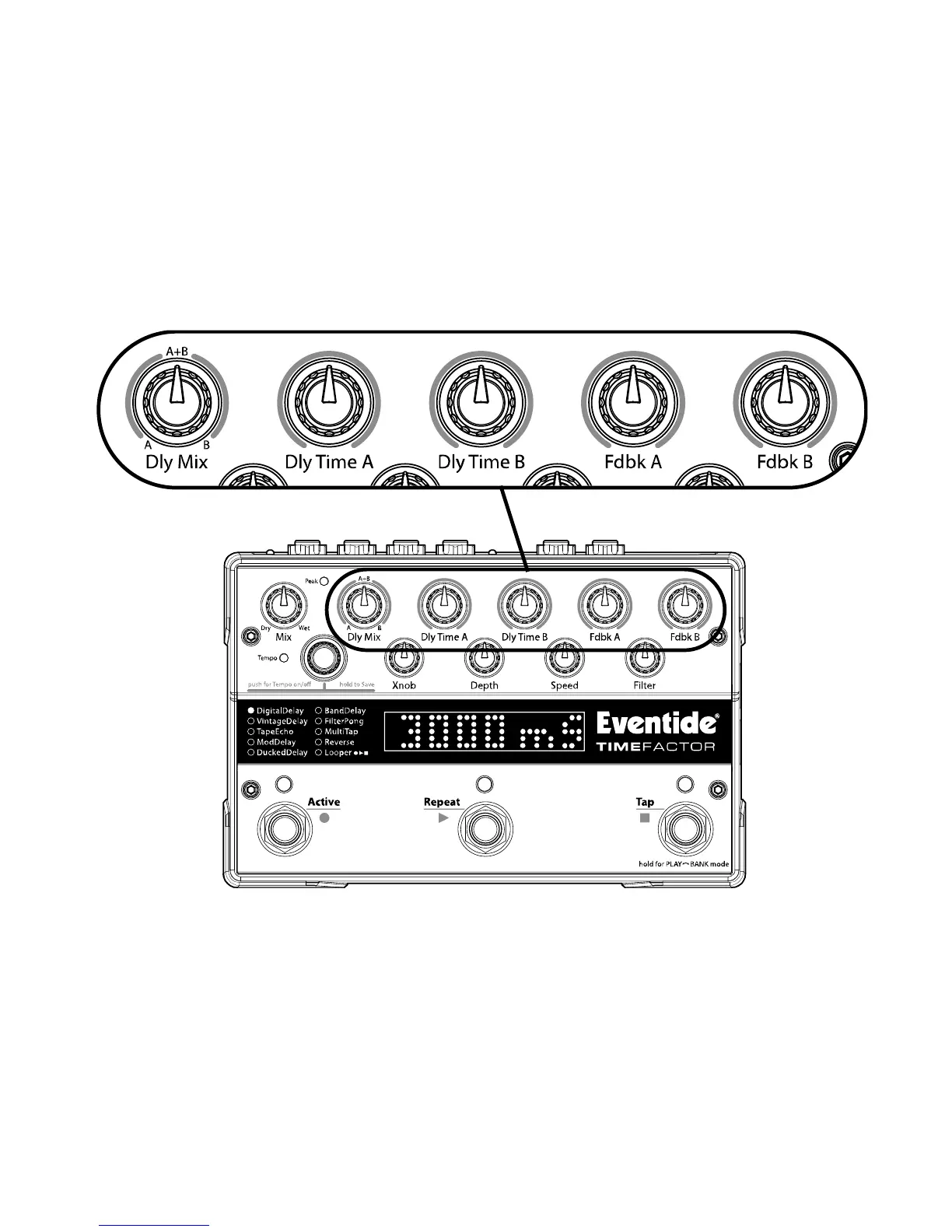
When an Effect is selected using the Encoder, the Effect’s parameter values are set by the
current position of the ten control knobs. When a control knob is turned, the Billboard
displays the parameter’s name and value. The controls are arranged in two rows and grouped
according to their functions.
The control knobs located along the top row are the primary level setting, delay times and
feedback controls. The top row knobs allow you to independently set delay and feedback for
each of the twin delays.
The bottom row control knobs set modulation and filter parameters as well as parameters
that are specific to each Effect. In most cases, the bottom row control knobs simultaneously
set values for both delays and don’t provide independent settings for each of the twin delays.
Note: The Encoder can be used to fine-tune all knob parameters if turned within 2 seconds of
turning the parameter’s knob.



 To Next Page