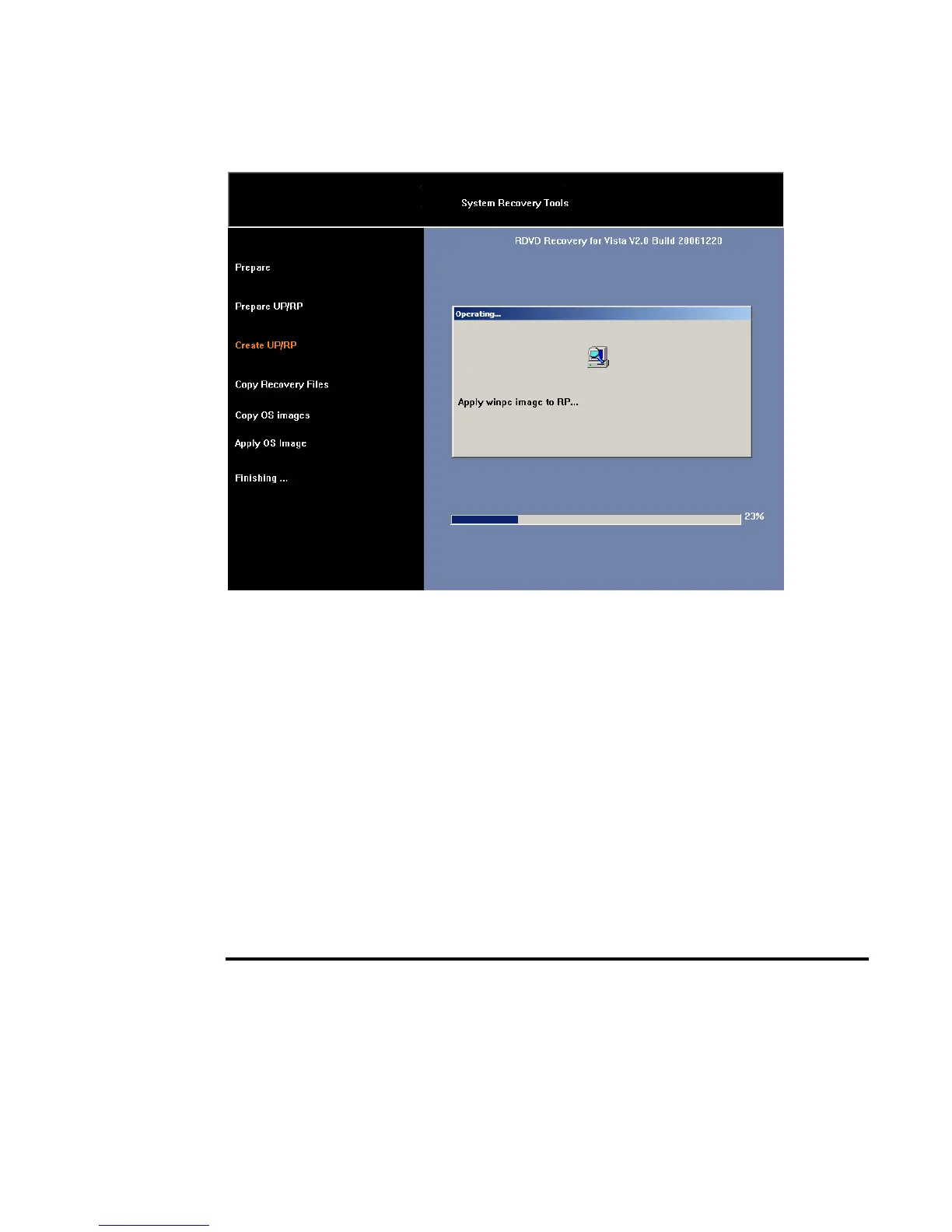
7.
Then full recovery is finished. System will be rebooting.
B.2 Device Drivers Installation
If you already have an operating system installed into your notebook computer,
it is best to install the needed device drivers for using the built-in devices of
your computer. Before installing the drivers, check with your dealer first if they
have already installed all the drivers along with the operating system. If not,
follow the procedures below:
INSTALLING WINDOWS VISTA FROM OPTICAL
DISK DRIVE
To install Windows Vista directly from your optical disk drive, please go to
Boot menu of BIOS setup menu. Use arrow key to select "CD-ROM Drive",
then use "+" or "-" to move it to the top. Go to Exit menu and select "Exit


 To Next Page