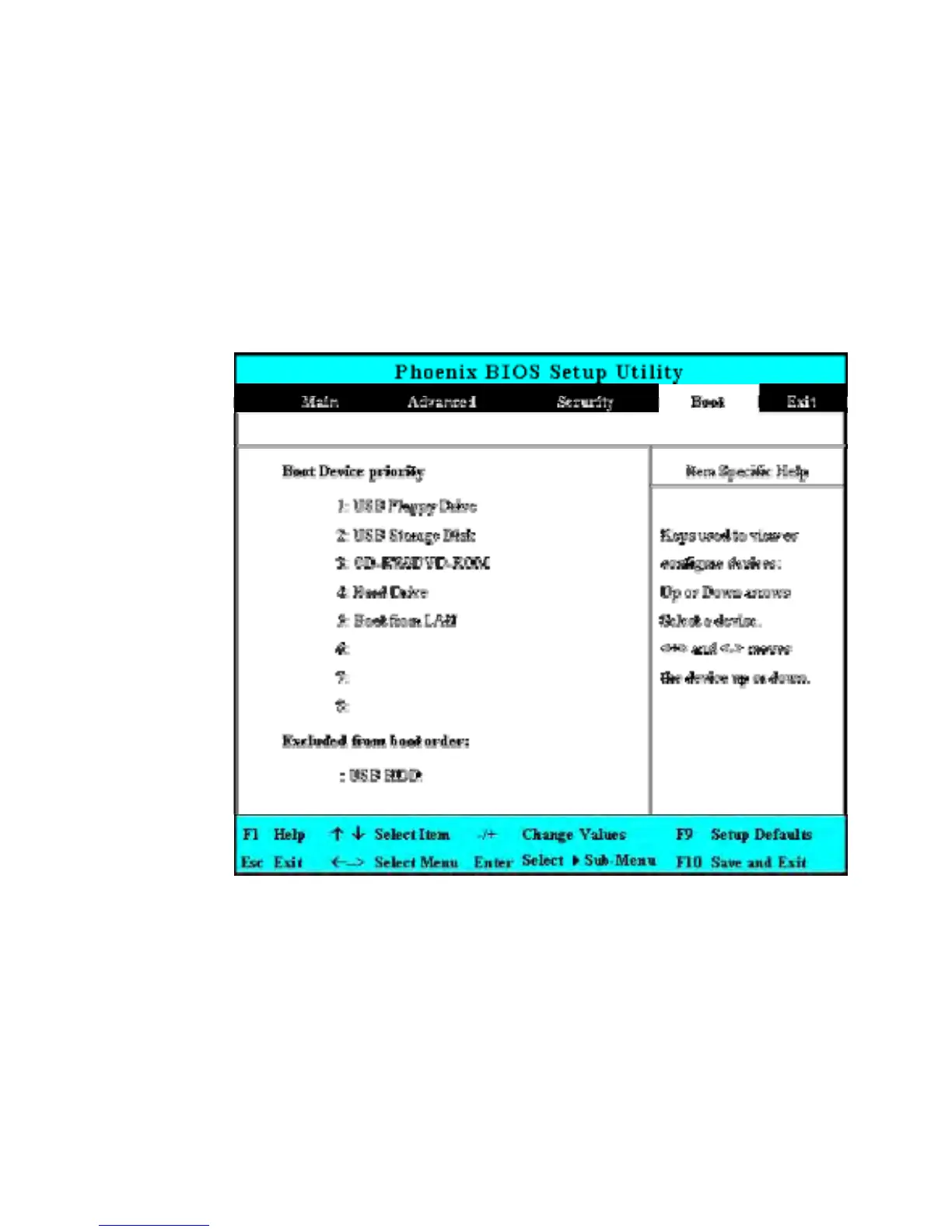
6.5 Using the Boot Setup
This item allows you to set the search drive sequence where the system will try
to boot up first.
This page allows you to set the search drive sequence where the system will try
to boot up first.
To select the boot device, you can use the up or down arrow key, then press
<+> to move up the device in the list or press <-> to move down the device
in the list. To exit from this menu, press <Esc>.


 To Next Page