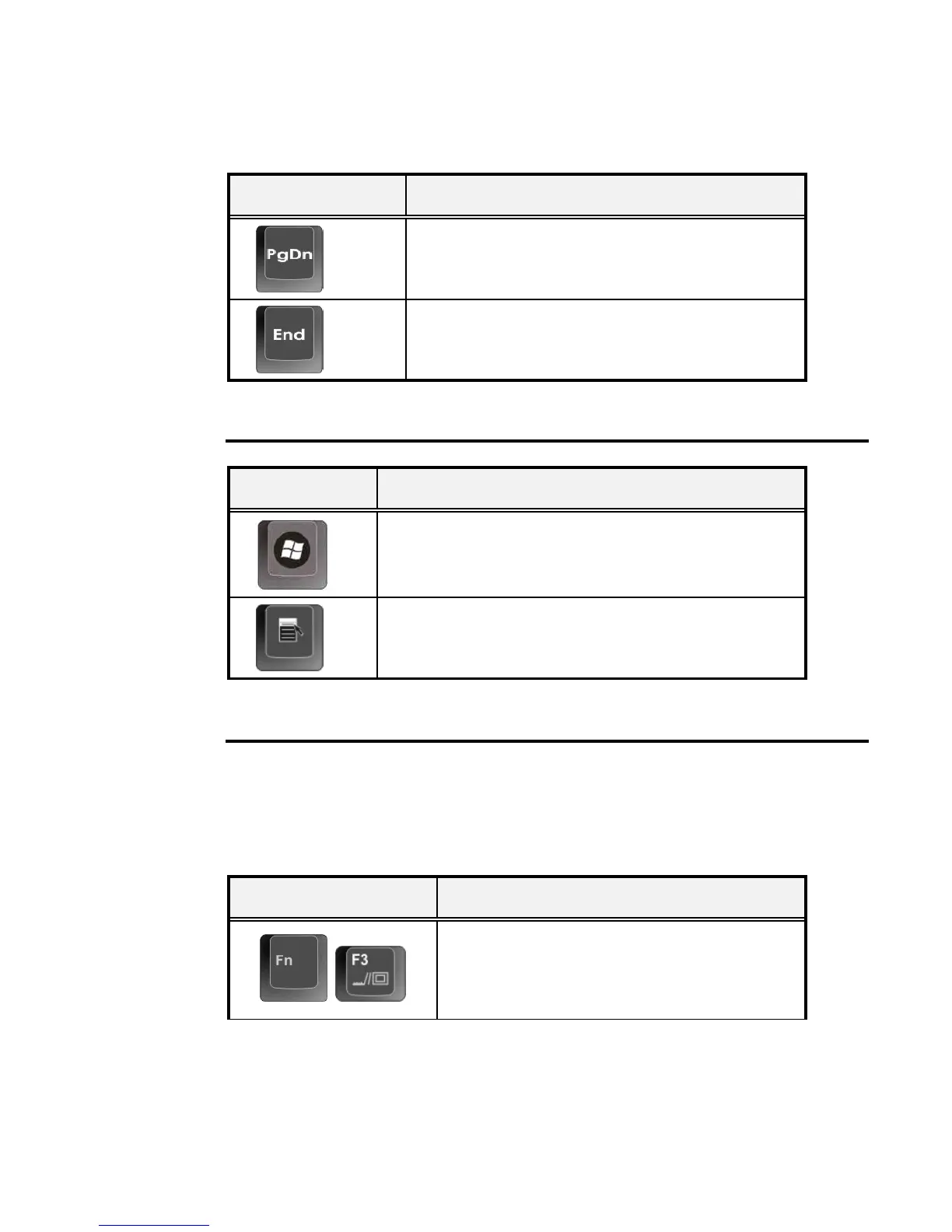
Keypad Function Description
<PgDn> key. Moves the cursor down one
screen at a time
<End> key. Moves the cursor to the end of a
screen or line.
WINDOWS HOT KEYS
Keypad Function Description
<Start> key. Pulls up the Windows Start menu.
<Right Click> key. Performs a mouse right-click
function for Windows system.
SPECIAL FUNCTION KEYS
The notebook has special system function keys that activate key serving dual
functions. When pressed in conjunction with the <Fn> key, these keys set
specific system parameters and are sometimes referred to as "hot keys".
Keypad Function Description
+
Switches display between LCD, CRT, or
LCD and CRT simultaneously.


 To Next Page