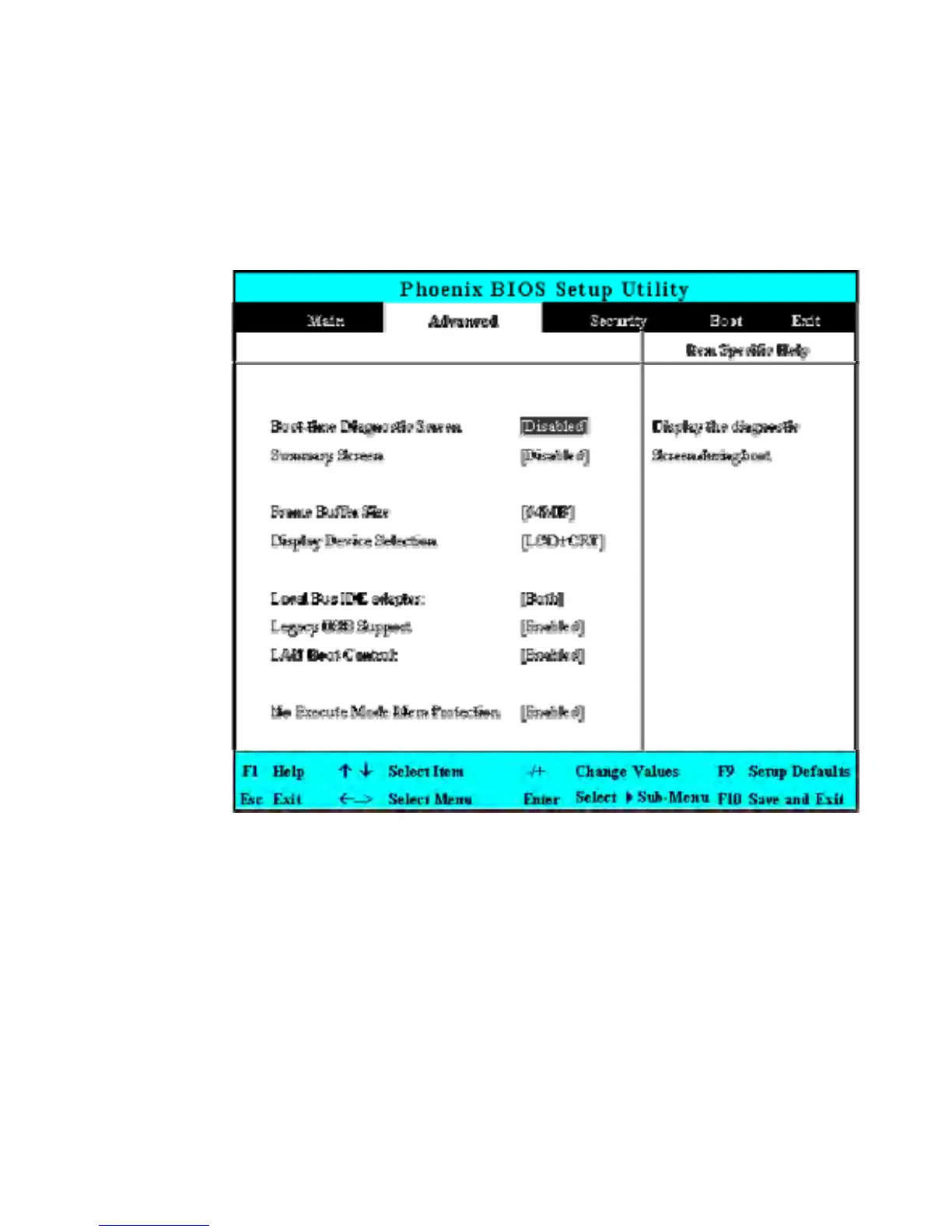
6.3 Using the Advanced CMOS Setup
•
Boot-time Diagnostic Screen
Lets you specify to display the diagnostic screen or not by choosing
Enabled or Disabled option during system booting.
•
Summary Screen
Displays system configuration on boot.
• Frame Buffer Size
Lets you reserve memory space [32MB]/[64MB]/[128MB] for UMA
frame buffer for video devices. The default value is [32MB].


 To Next Page