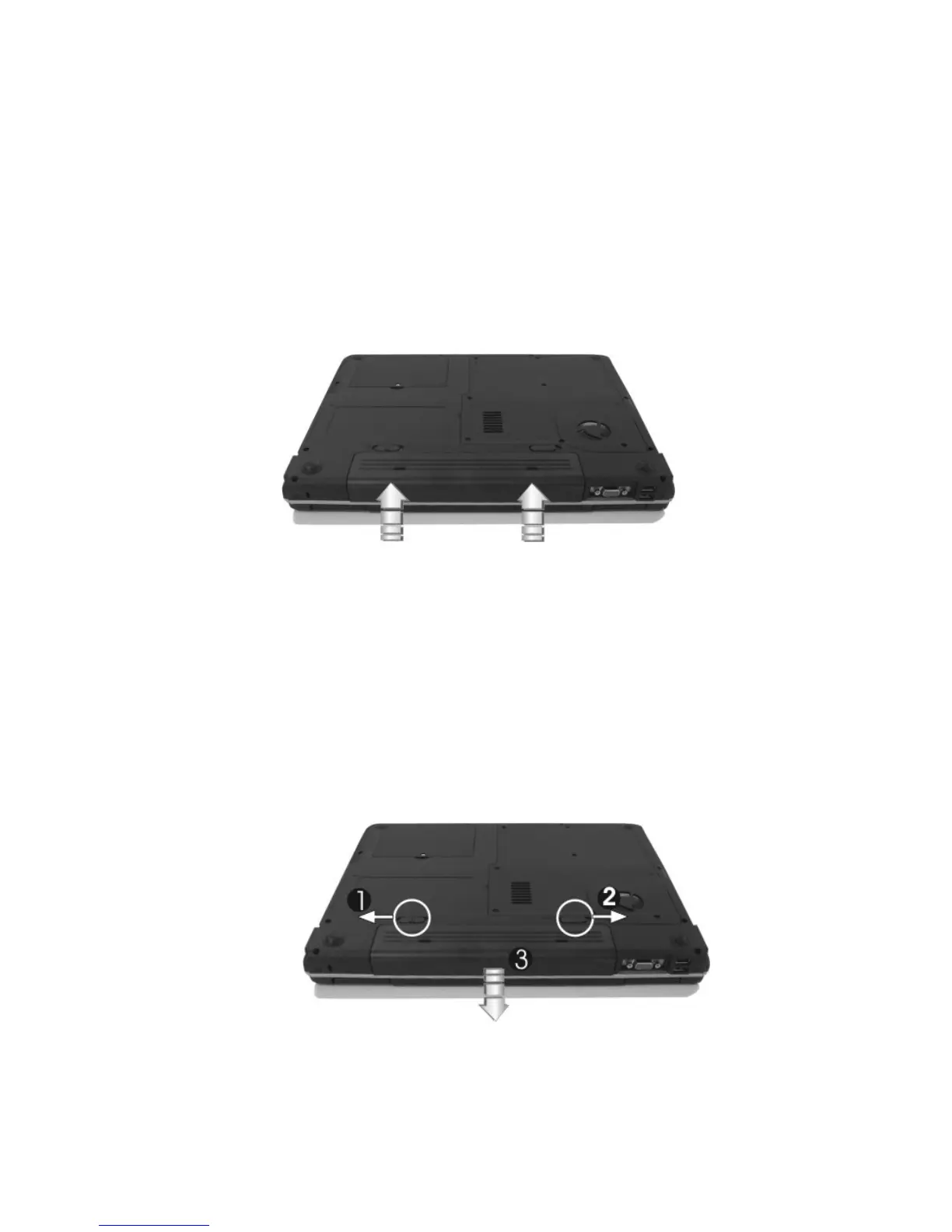
Installing the Battery Pack
This notebook provides the most convenient way to install the battery pack
into your computer. With the extended nose directed toward the compartment,
insert and push the battery pack.
Removing the Battery Pack
To remove the battery pack, make sure the computer is turned off, unplugged
from power source. Slide the lock latch to the end of left side to unlock the
battery lock latch (1), then slide the battery release latch to the end of right side
to release the battery latch (2), and take out the battery pack with your finger
(3) simultaneously.


 To Next Page