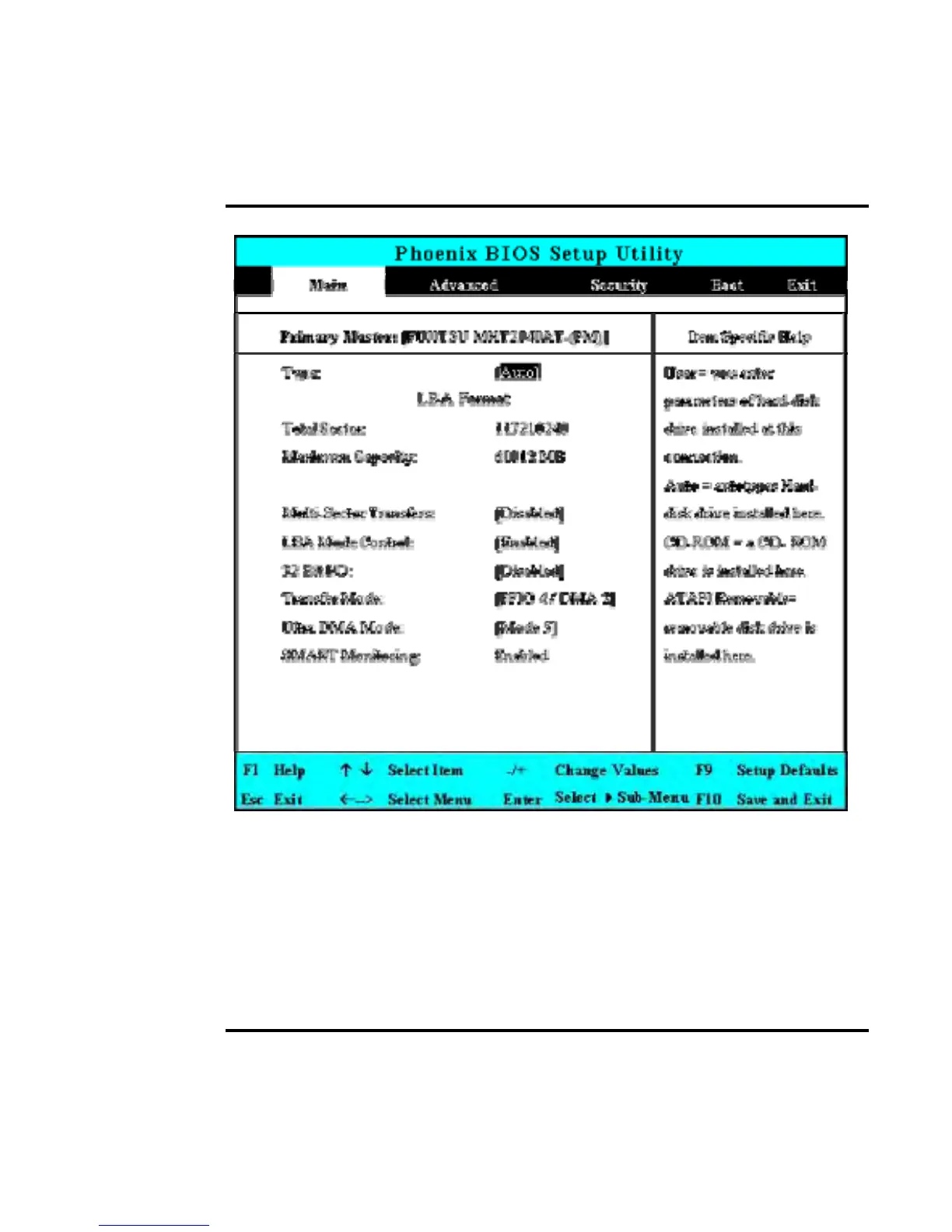
6.2.1 INTERNAL HDD SUB-MENU
Use the Type field to select the drive type installed. You can select different
drive types as CD-DVD, User, Auto or None by pressing <Space> bar. Set
this option to Auto so your computer will automatically detect the drive type
during power on. Set this option to None when your computer is not installed
any devices. Press <Esc> to return to the Main Menu.
6.2.2 INTERNAL OPTICAL DRIVE SUB-MENU


 To Next Page