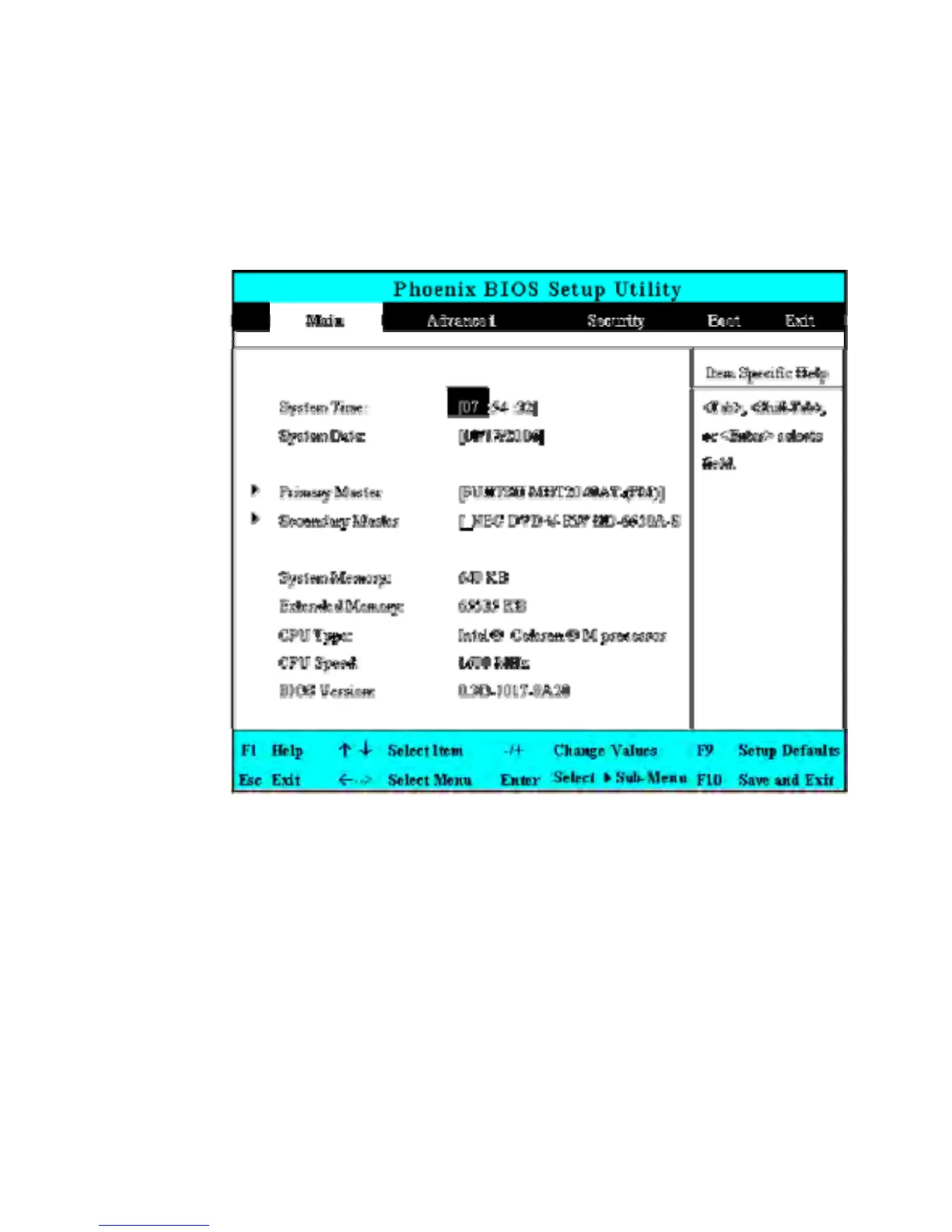
6.2 Using the Main Menu Setup
•
System Time
Allows you to change the system time using the hour:minute:second
format of the computer.
Enter the current time for reach field and use the <Tab>,
<Shift>+<Tab>, or <Enter> key to move from one field or back to
another.
You can also change the system time from your operating system.


 To Next Page