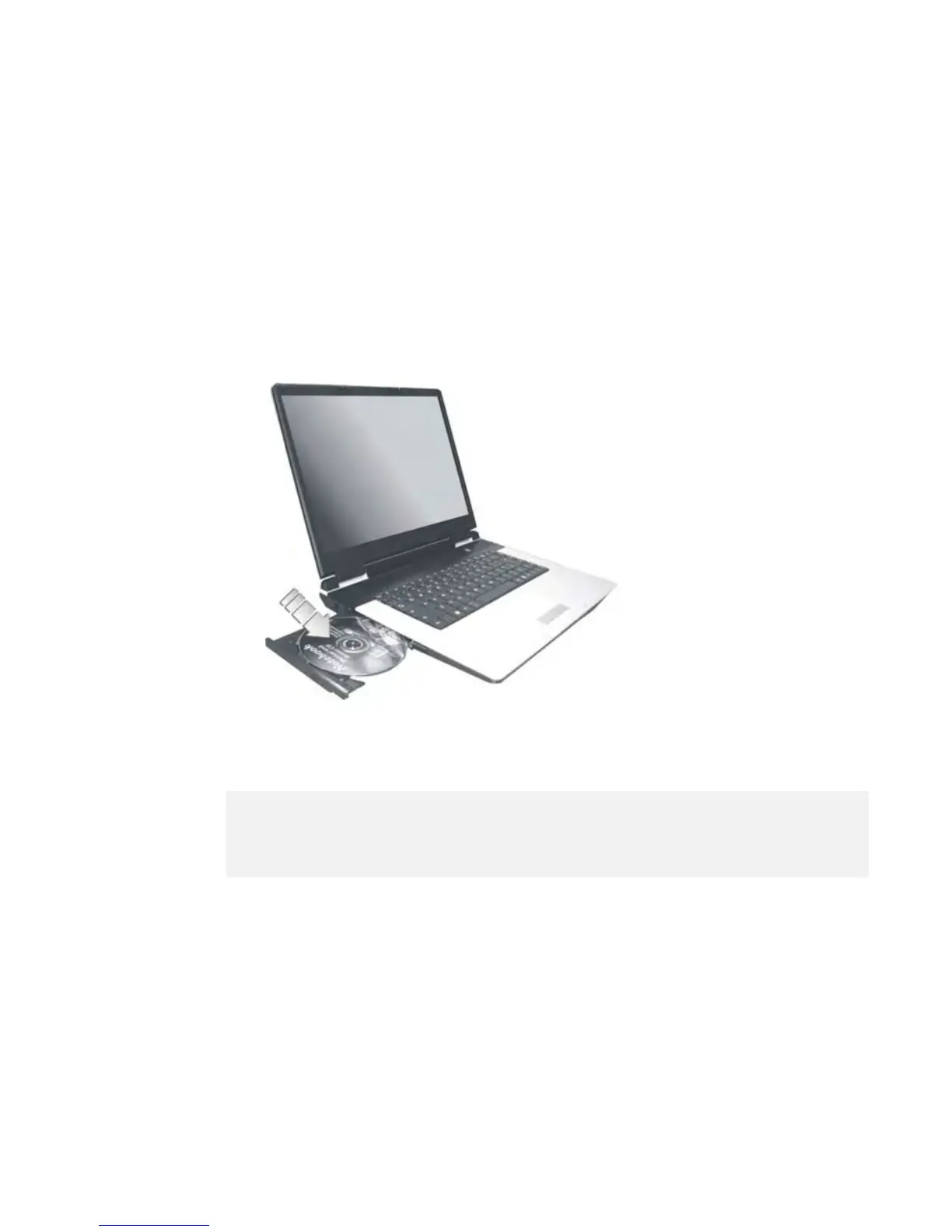
1. Make sure the computer is turned on. Press the eject button found on the
door cover of the combo drive. The DVD/CD tray mechanism will pop-
out slightly and slowly pull out the whole length of the tray.
2.
Place the disc on top of the DVD/CD tray with the label side facing up.
Gently press the compact disc onto the center spindle to secure the disc.
3.
To remove the disc, press on the center spindle and pull up the disc from
the side until the disc snaps out of the spindle lock.
+
If the eject function is disabled by software or a power failure occurs, the
Emergency Eject Hole allows you to manually remove a CD from the
reader.
4. To close the optical drive, simply push the CD tray inside. The optical
drive LED will activate when the disc is detected. Wait until the LED has
turned off and then start to read the disc.
How to care the Optical Disks (CDs, DVDs, etc.)


 To Next Page