EAN900
13
4.2 User Config
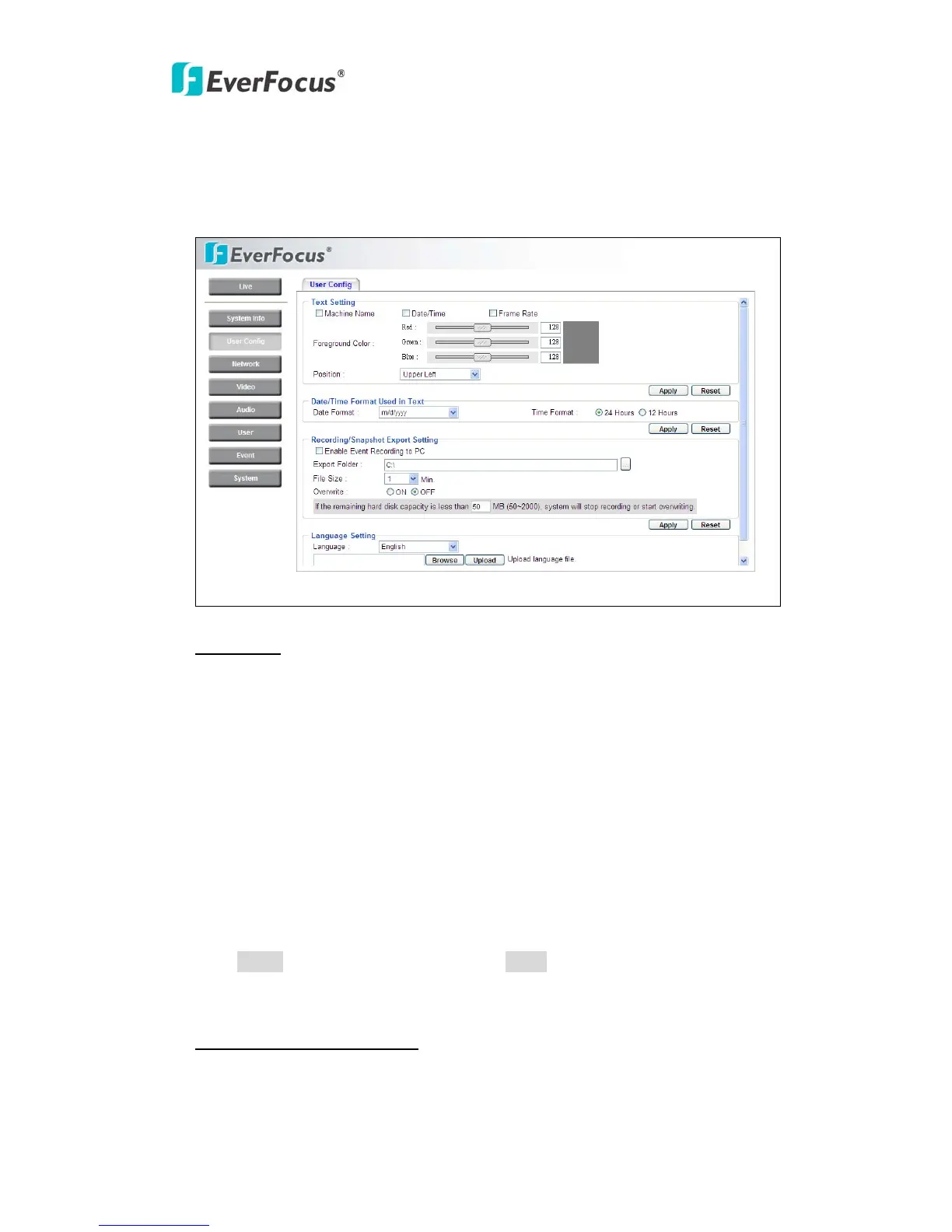
Live view configuration is to be set by user. Each login user can make his/her own
settings for the following items:
Text Setting
Check the box for text of Machine name, Date/Time or Frame Rate to be
displayed on the screen.
Text Color
Foreground Color: Select the foreground color of text to be displayed by moving
the slide bar between Red, Green and Blue until your desire color is obtained.
Position: Select the position where the text will be displaying from Upper Left /
Lower Right / Lower Left.
Press Apply to apply the setting changes or Reset to reset without saving the
change.
Date/Time Format Used in Text
Select Date/Time Format from the following options:



 To Next Page