EAN900
24
Camera setting
Brightness: to increase or decrease contrast value of images. It is adjustable from
0~100.
Contrast: to increase or decrease contrast value of images. It is adjustable from
0~100.
Sharpness: to increase or decrease sharpness value of images. It is adjustable from
0~100.
Flip: Select ON or OFF to flip the video.
Mirror: Select ON or OFF to horizontally inverse the video.
D/N mode: Select Auto, Color or BW for Day/Night function.
Auto - Automatically switch images from color to B/W when the illumination is
under 15 Lux.
Color - Always fix images in color mode.
BW - Always fix images in Black/White mode.
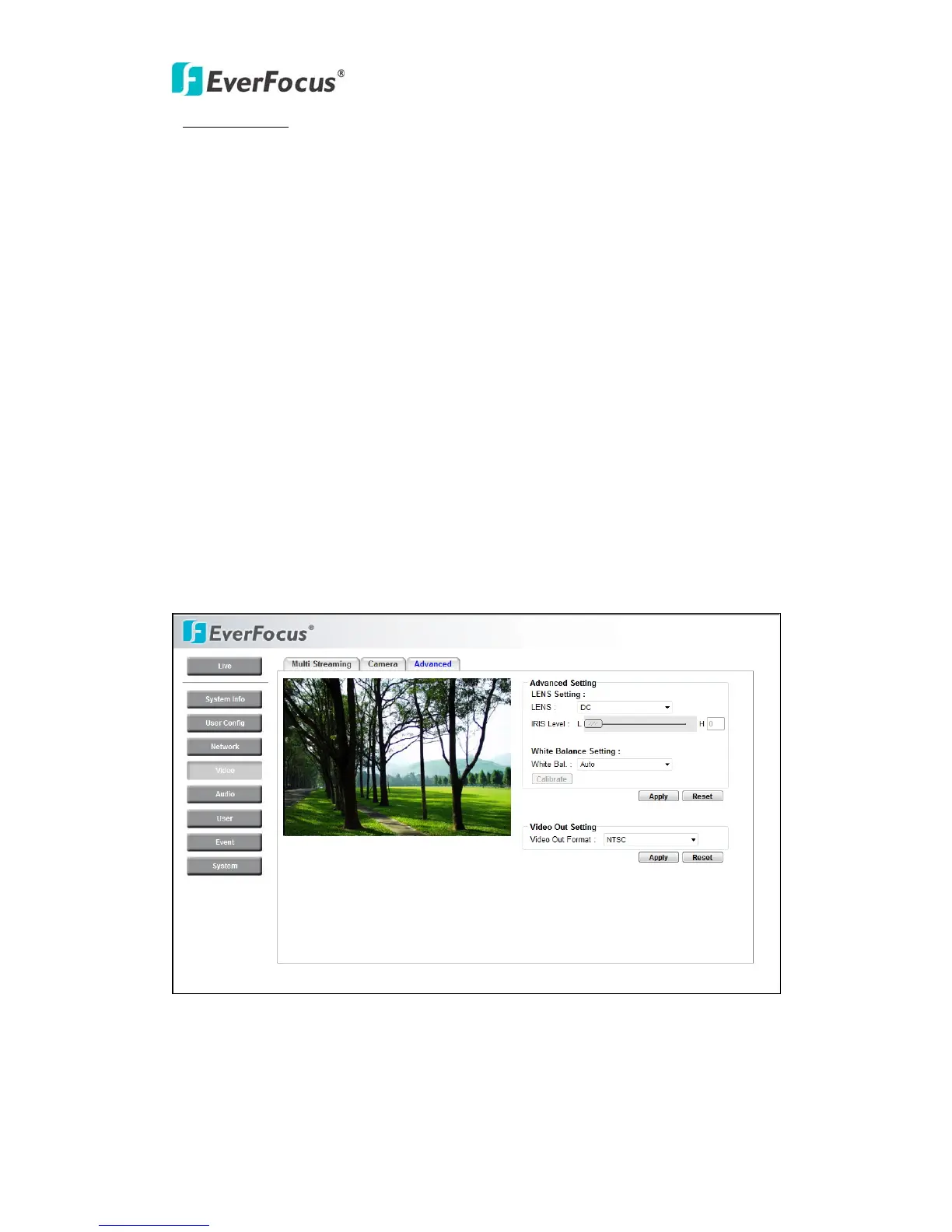
4.4.3 Advanced



 To Next Page