EAN900
15
change.
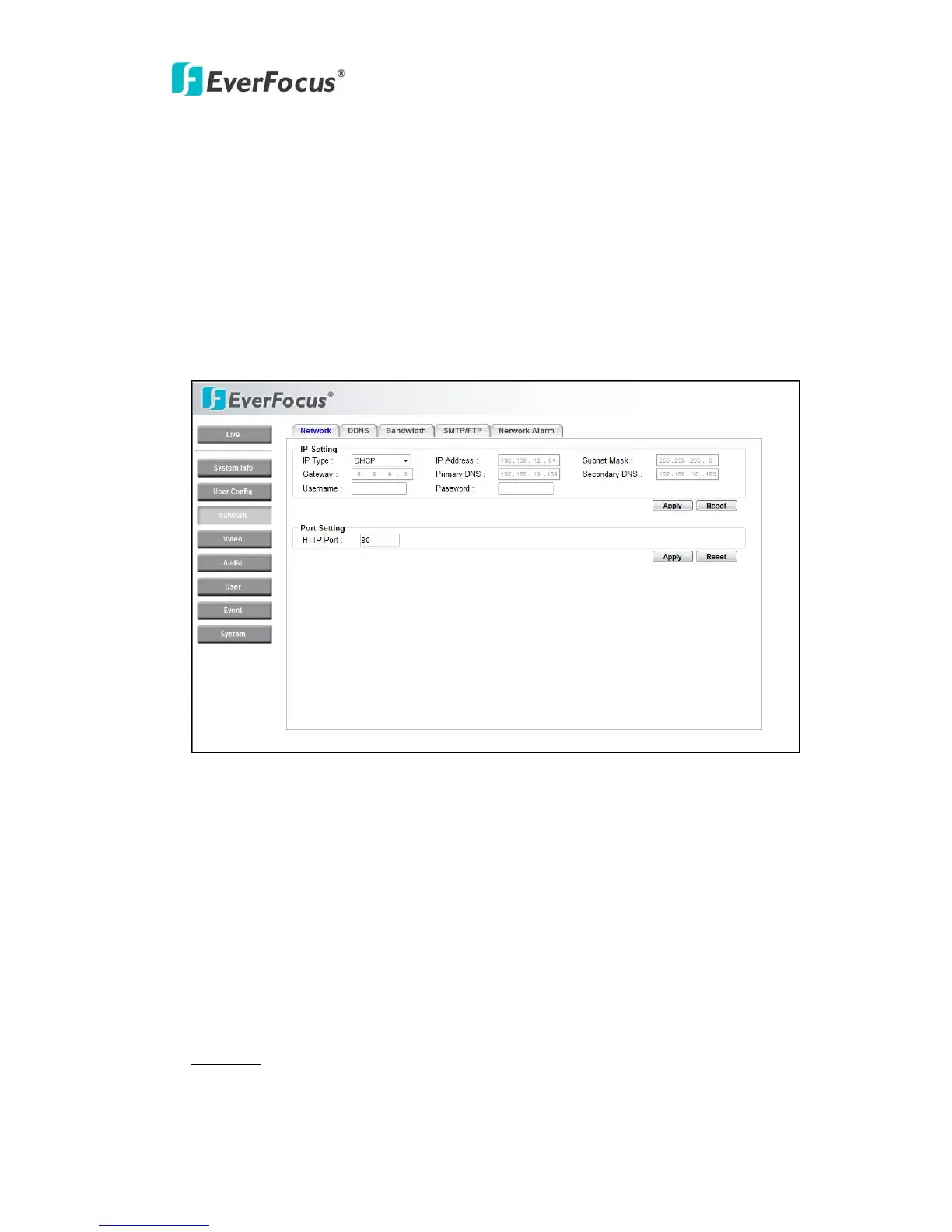
4.3 Network
The network settings and the settings relating to Network, DDNS, Bandwidth,
SMTP/FTP and Network Alarm can be configured on this page.
The "Network setup" page has 5 tabs of the [Network] tab, the [DDNS] tab, the
[SMTP/FTP] tab and the [Network Alarm] tab.
4.3.1 Network
The following information is required to configure the network settings. Contact
the network administrator or your Internet service provider.
• IP Type
• IP address
• Subnet mask
• Gateway (when using the gateway server/router)
• Primary DNS, Secondary DNS (when using DNS)
• HTTP Port
IP Setting
IP Type



 To Next Page