EAN900
23
Frame Rate: max. 15 fps @ 1280 x 1024 ; max. 15 fps @ 1280 x 960 ; max. 20 fps
@ 1280 x 720 ; max. 30 fps @ 640 x 480.
Press Apply to apply the setting changes or Reset to reset without saving the
change.
Video Recording Setting
User can set video recording by selecting one of the enabled video streamings.
This will allow user to view live images as well as to record video of the other
video streaming.
Video Stream: Select video recording stream from any enabled stream.
Video File format: Recording file will be saved as AVI or ARV, select which file
format to be used.
Press Apply to apply the setting changes or Reset to reset without saving the
change.
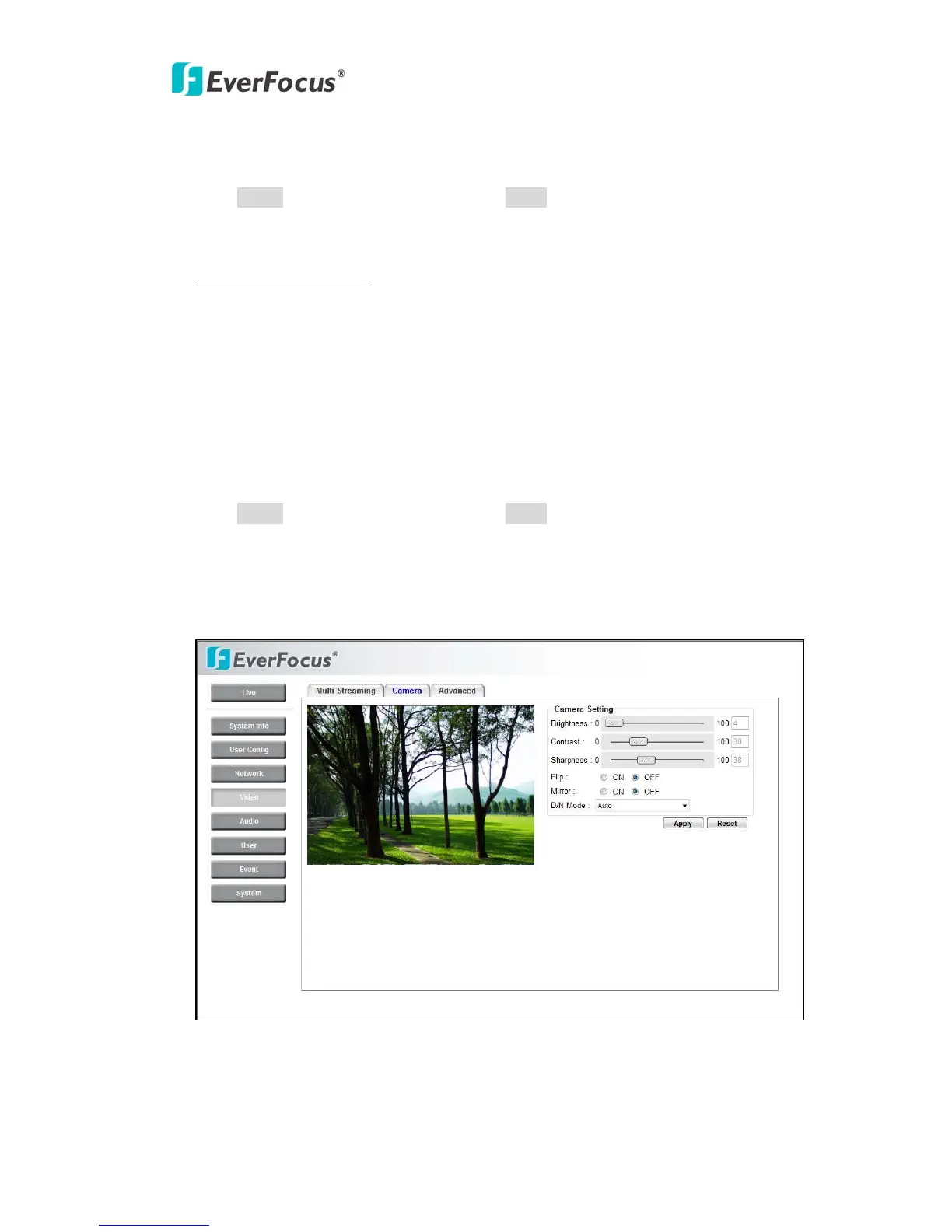
4.4.2 Camera



 To Next Page