EAN900
29
4.7.1 Event
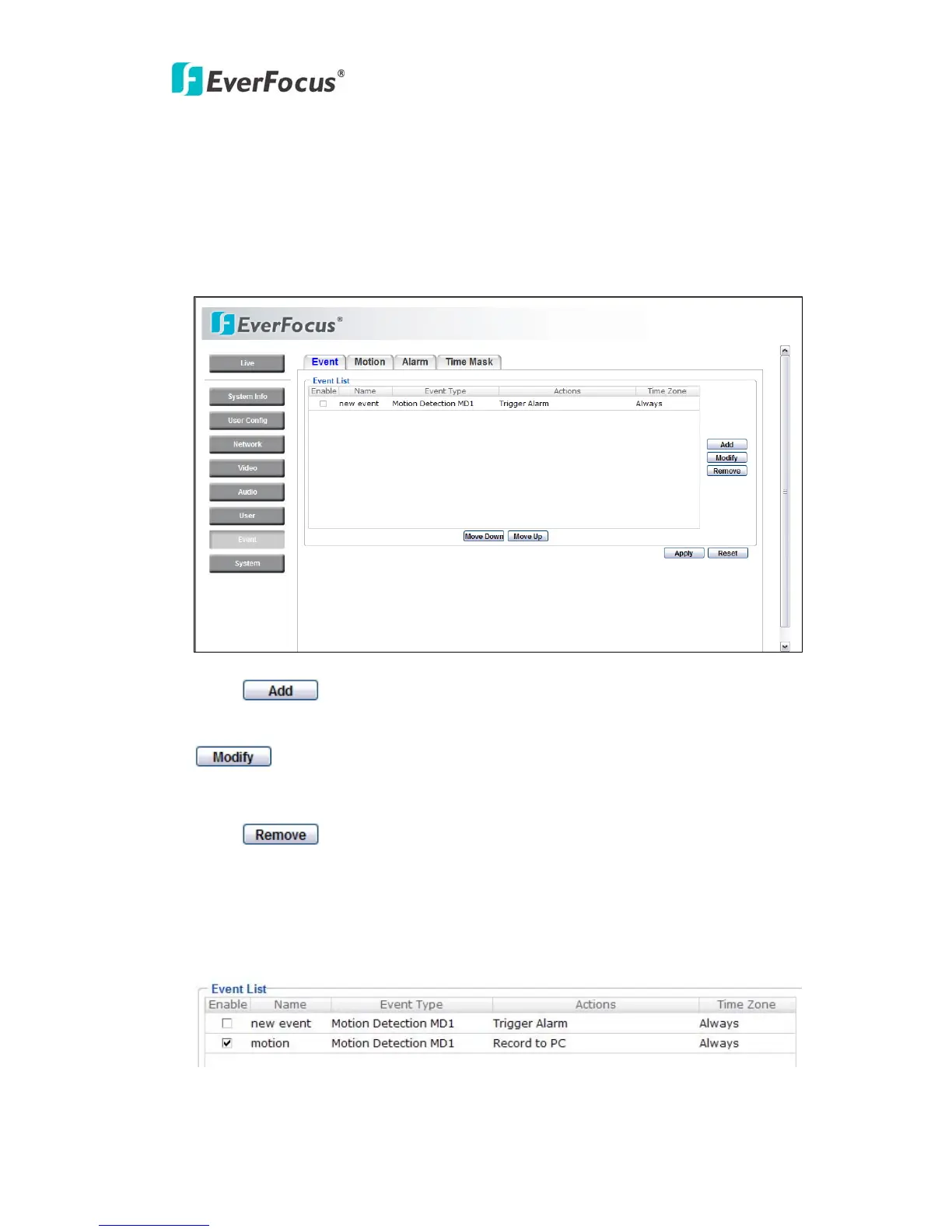
The settings relating to event occurrences such as settings for the event
occurrence, motion, alarm and time mask can be configured on this page.
The "Event " page has 4 tabs: [Event] tab, the [Motion] tab, the [Alarm] tab and
the [Time Mask] tab.
Press
button to add an event condition.
To modify the event list, click on the event and it will be highlighted. Press
button to modify the setting.
To remove an event from event list, click on the event and it will be highlighted.
Press
button to remove the event.
Check Enable checkbox to activate event actions when the event occurs in the
specified time zone.



 To Next Page