EAN900
18
○ www.sitelutions.com
○ www.dyndns.com
○ www.no-ip.com
Enable: Check the box to enable DDNS setting.
Service ISP: If you choose EverFocus DDNS server, you can obtain a free account
name from EverFocus ”www.everfocusddns.com
”.
Enter an IP Cam Account Name:
.everfocusddns.com
Press
button to register or update DDNS account.
If you wish to get a domain name from other DDNS provider, it is necessary to
configure Record ID, FQDN, Username and password and register in DDNS
server. Refer to the web site for further information about the DDNS.
Press Apply to apply the setting changes or Reset to reset without saving the
change.
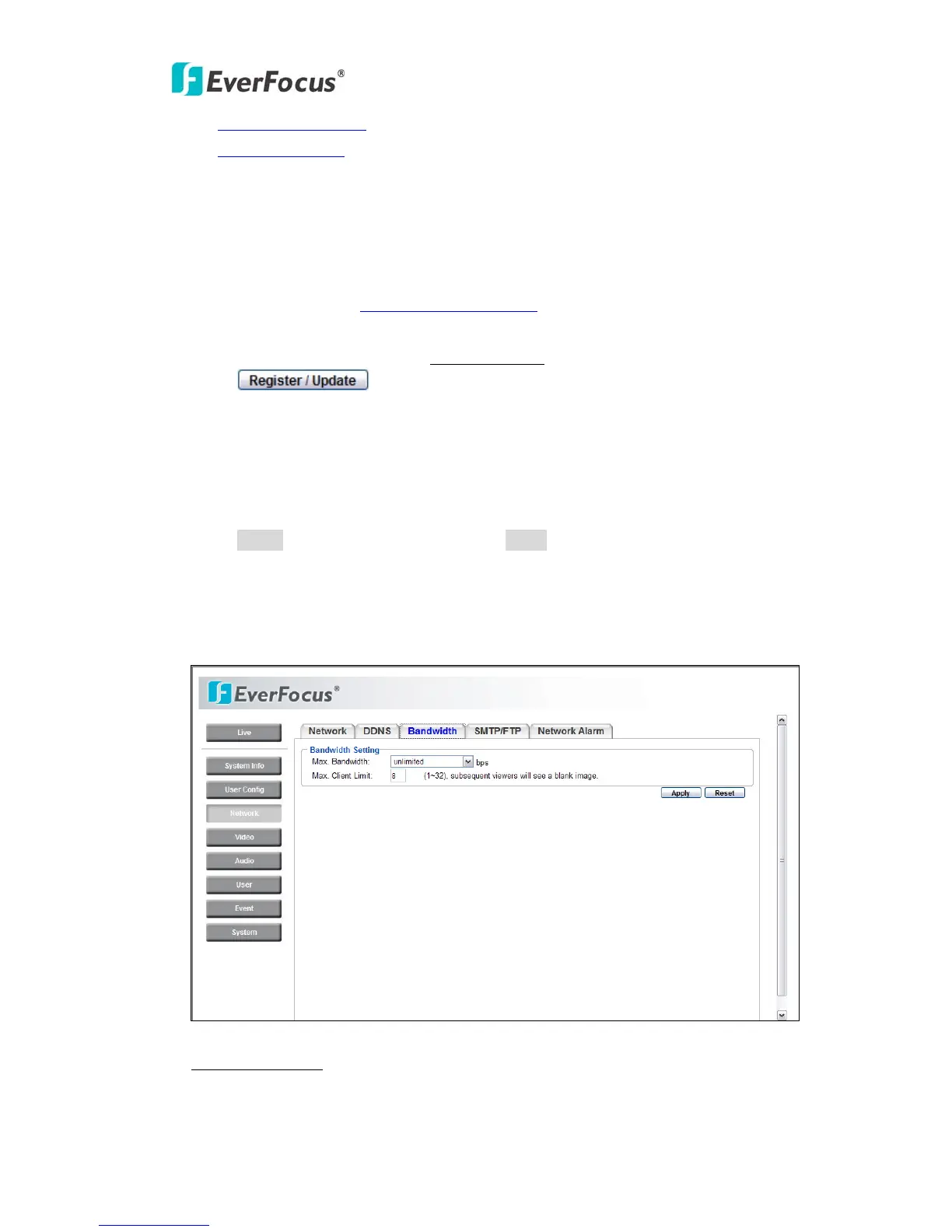
4.3.3 Bandwidth
Bandwidth Setting
Max. Bandwidth: Specify, Unlimited / 64 K/ 128 K/ 256 K / 512 K / 1M / 2M / 4M
/ 8M bps. the maximum bandwidth that the camera is allowed to use on the



 To Next Page