EAN900
36
Set Date/Time Manually
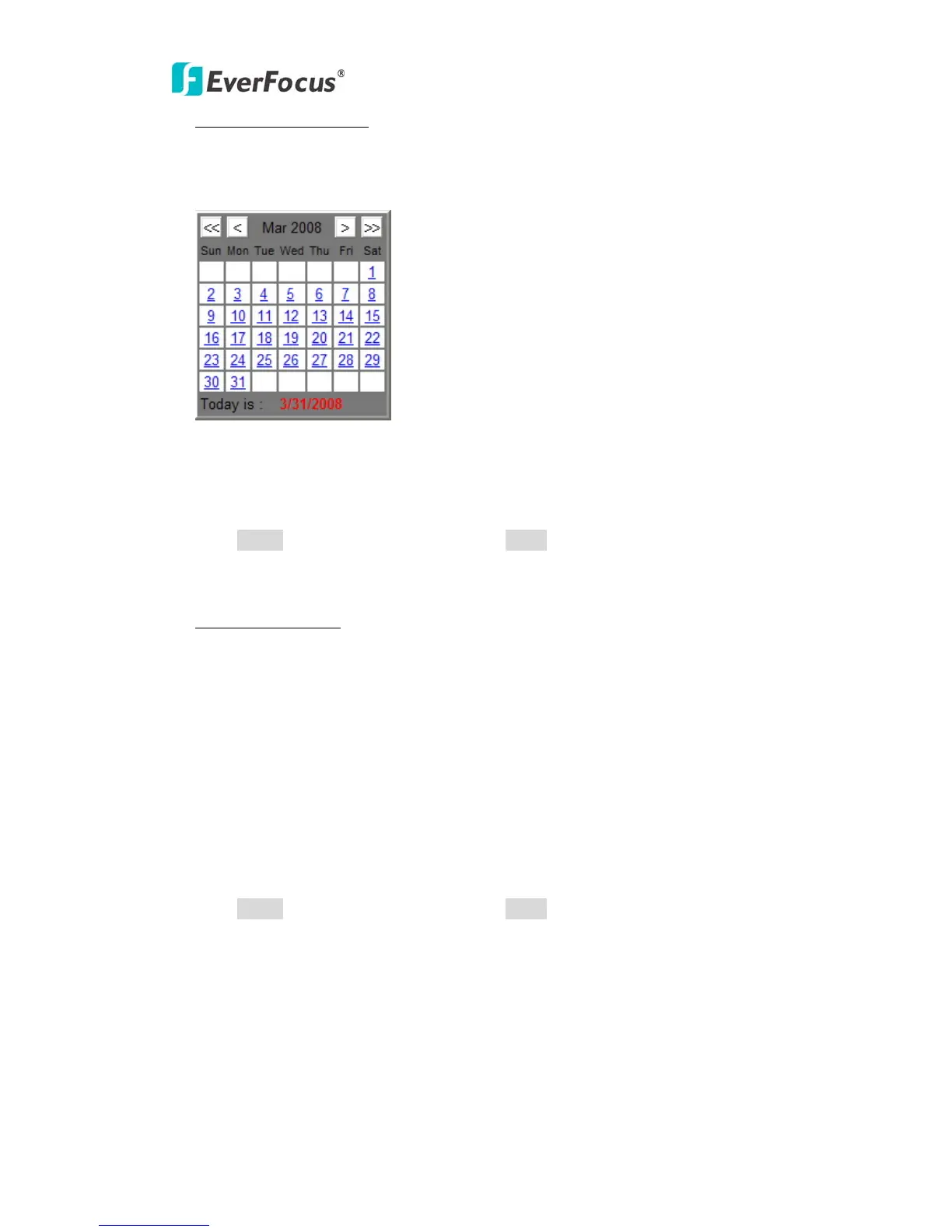
Date: Click the calendar and pick the date. Press << to go previous year, < to go
previous month, > to go next month and >> to go next year.
Time: Click on Hour, Minute, Seconds, am/pm; then use up arrow to increase
value and down arrow to decrease value.
Press Apply to apply the setting changes or Reset to reset without saving the
change.
Set Date/Time Sync.
Check Enable NTP checkbox to enable NTP server.
NTP server: Time automatically adjusted by synchronizing with NTP server will be
used as the standard time of the camera.
Sync. Internal: Select an interval (1 - 24 hours: in 1 hour intervals) of
synchronization with the NTP server.
Press Apply to apply the setting changes or Reset to reset without saving the
change.



 To Next Page