EAN900
9
11. Manual Control – Trigger Event
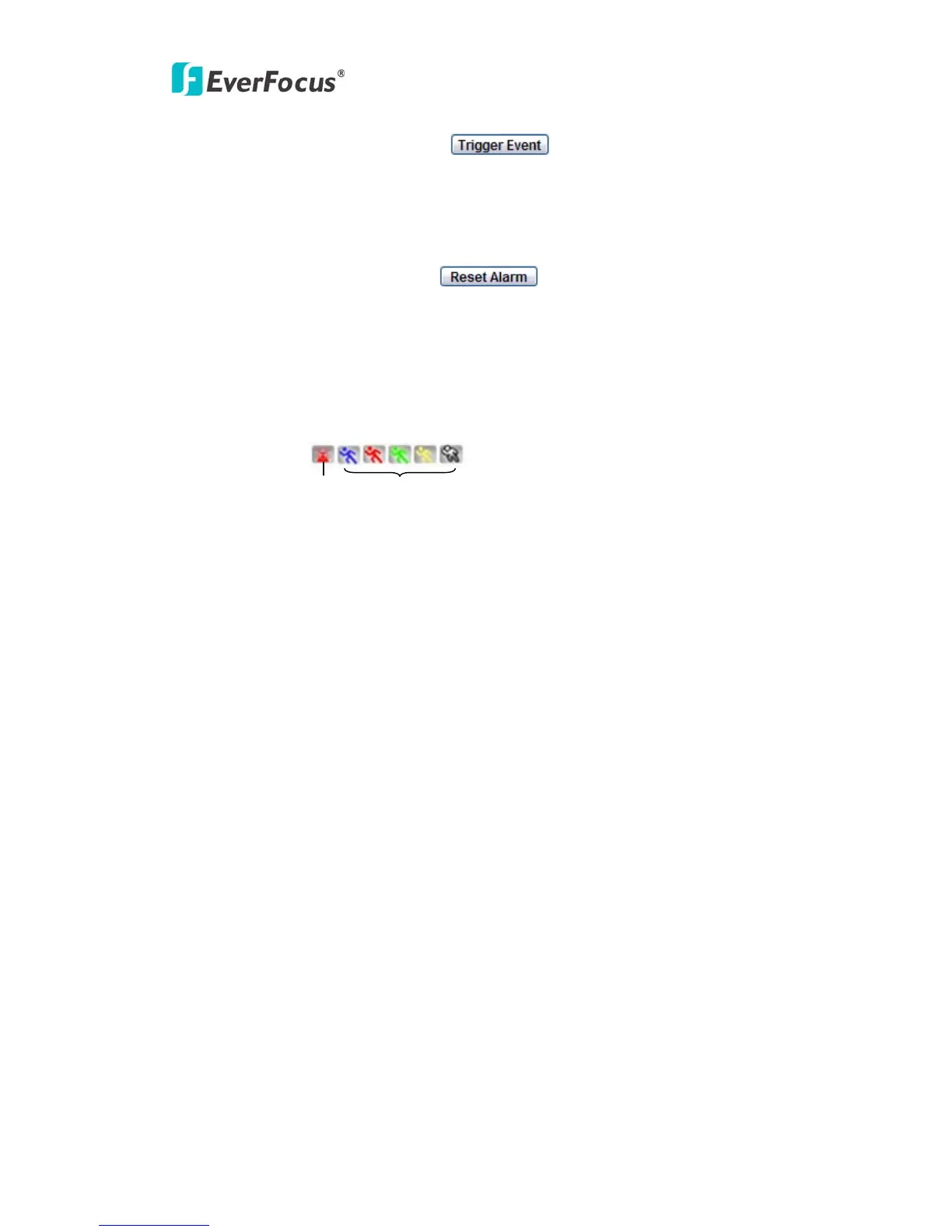
Press “Trigger Event” button to trigger an event directly from live view page, and
event actions will be effective if they have been set in “Event” menu. (Please refer to
“4.7.1 Event”)
12. Manual Control – Reset Alarm
Press “Reset Alarm” button to reset alarm output remotely.
13. Status Display
The name of the camera whose settings currently being configured, current date/time
and current frame rate will be displayed.
14. Event signals
When an alarm or motion event is triggered, a signal icon will flash to alert user.
The first icon is for alarm event and rest of the 5 icons are for motion event. The
motion event icons which differed by colors correspond to the motion trigger areas
you have set in Motion menu. Please refer to “4.7.2 Motion” for detailed information
about Motion setup.
Motion
Alarm



 To Next Page