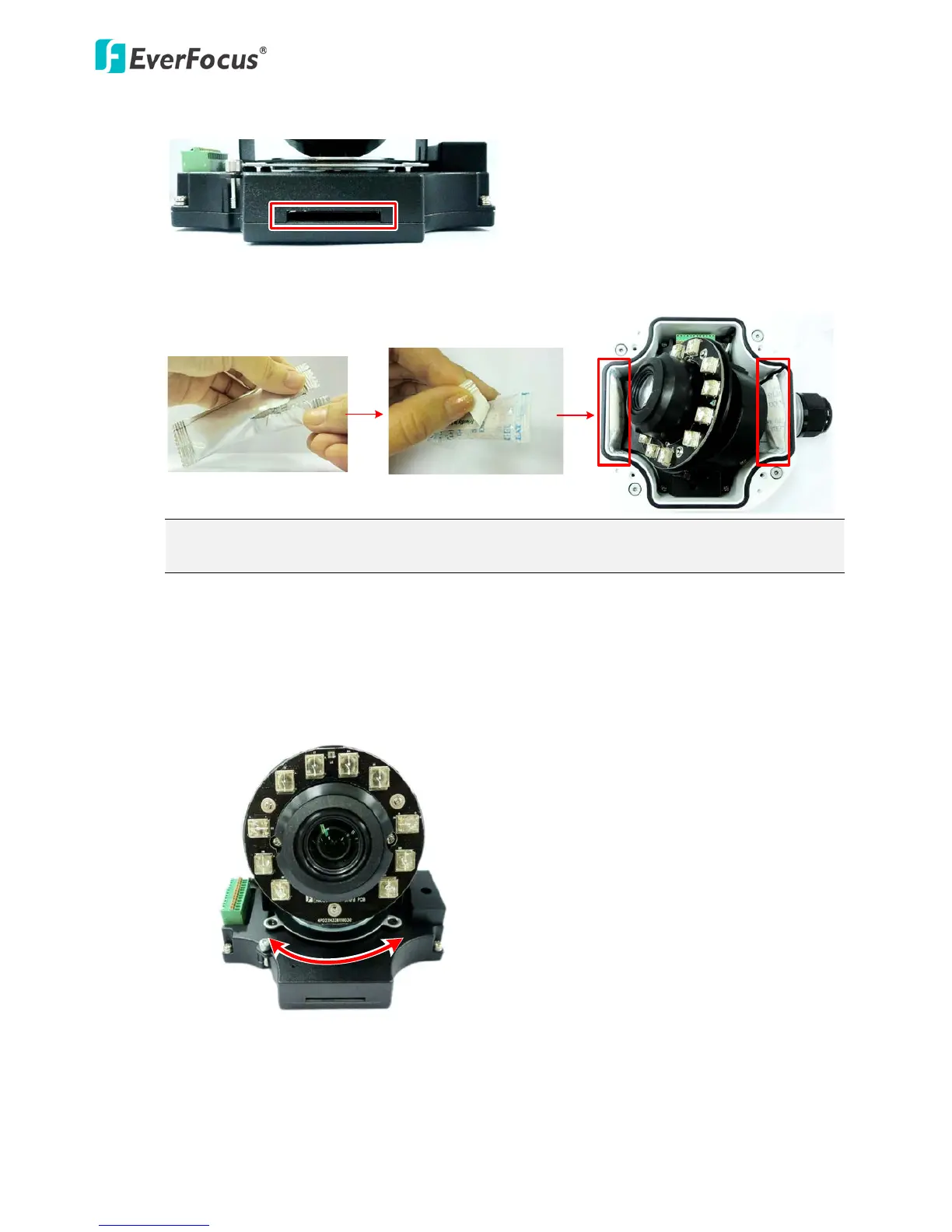
10. Stick the supplied 2 desiccant bags inside the camera case.
Note: It is highly recommended to replace the desiccant bags every time when you open the
camera.
11. Place and screw the camera module back to the camera case.
12. Access the camera live view for adjusting camera angles. For details on how to access the
camera live view, see 5. Accessing the User Interface.
To adjust the camera to a desired angle:
Pan Adjustment: Simply turn left / right for the top camera module.



 To Next Page