EHN3261/3361
44
7.1.6 System Information
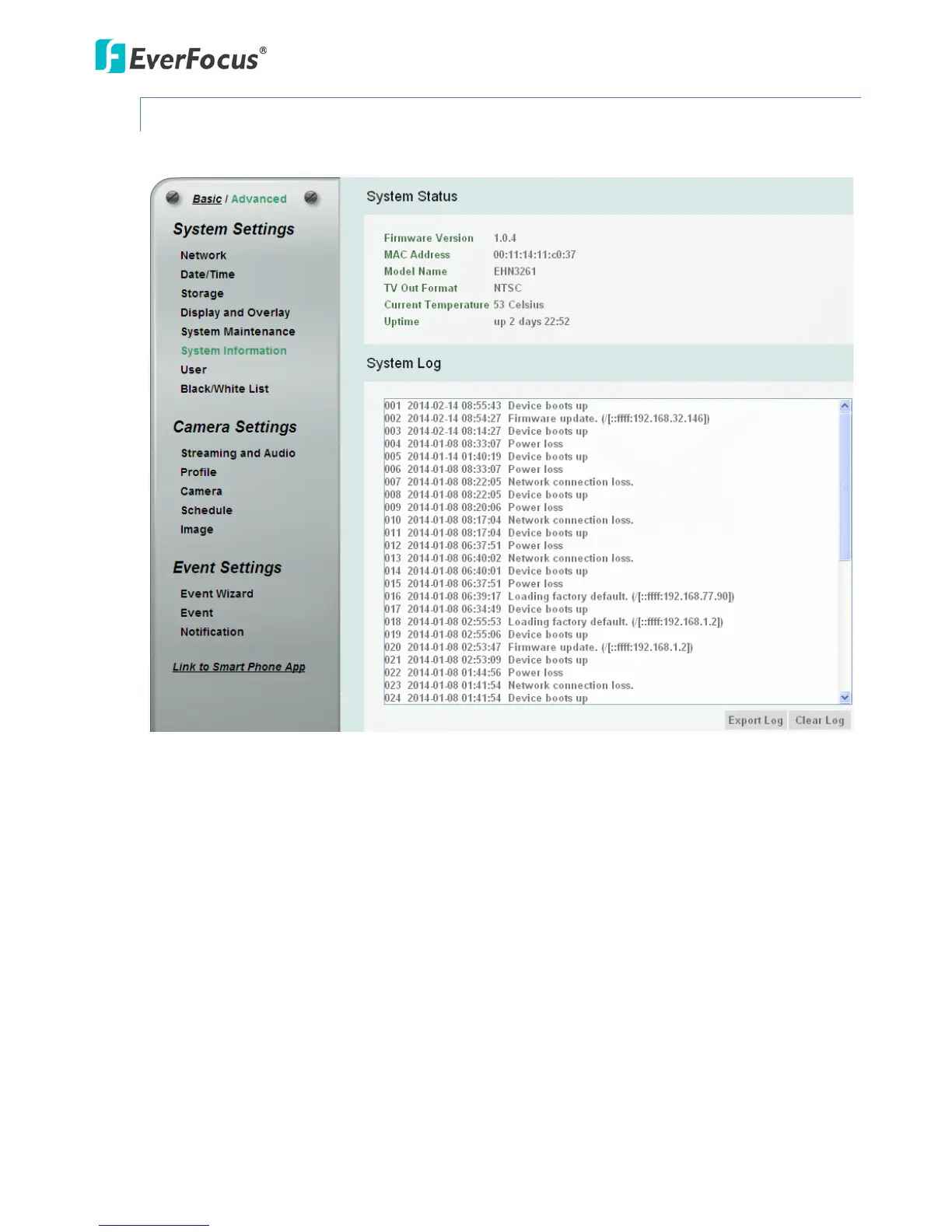
You can see the system information and log information displayed on this page.
【System Status】Displayed the system information. The values cannot be changed on this page. The
Uptime represents the period since the camera has been powered on. For example, up 21:28
represents the camera has been powered on for 21 hours and 28 minutes.
【System Log】Displayed the sequence number, date, time and event messages of the log event. The
log will display the last 256 log events. Click the Export Log button to export the system log event list
into a “.txt” file and select the location where the exported log file will be saved to. Click the Clear
Log to erase all the log data from the camera. The system will be required to reboot after clicking the
Clear Log button.



 To Next Page