EHN3261/3361
53
7.2.3 Camera
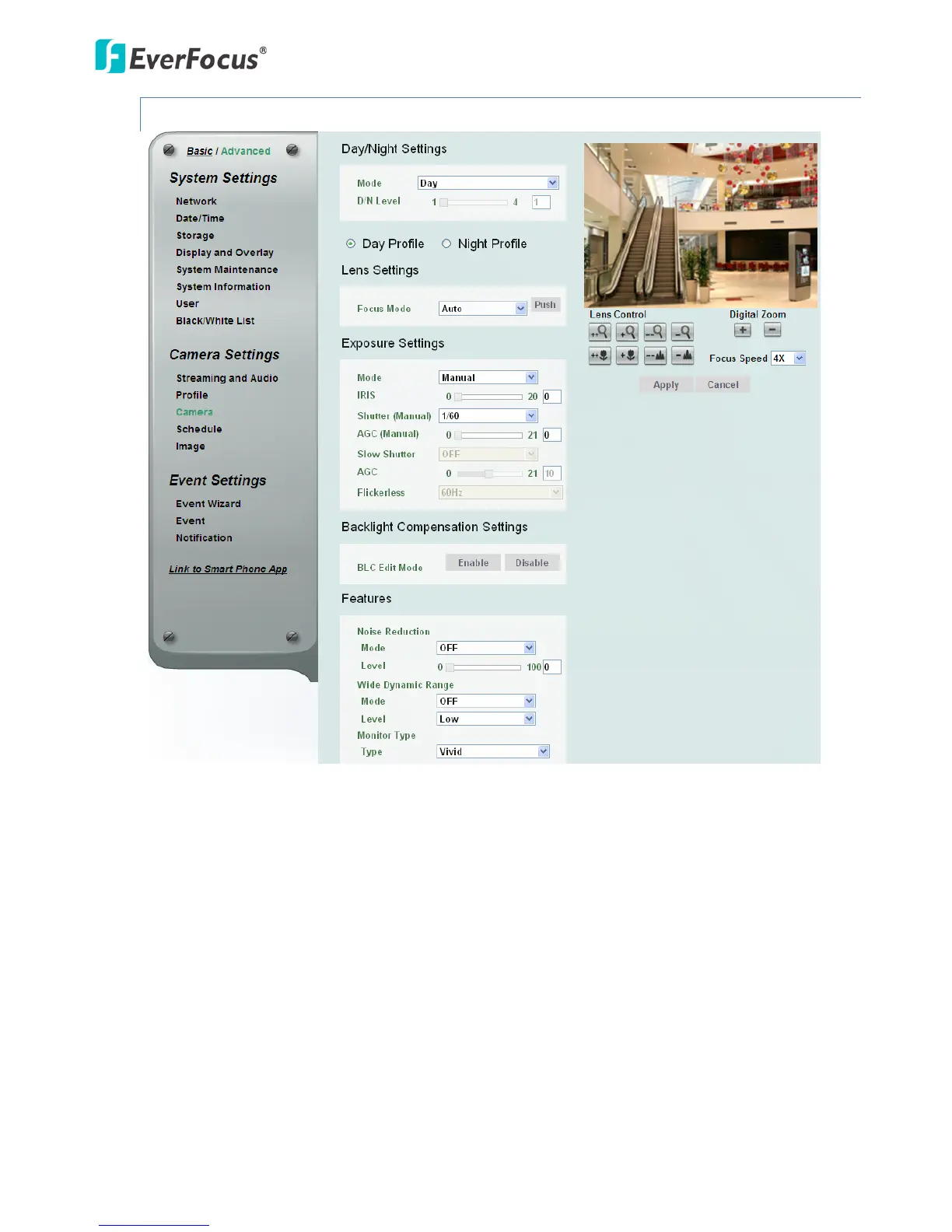
【Day/Night Settings】
Mode: Select a mode from the drop-down list.
• Auto: Select to let the camera automatically switch to Night mode (black and white images
with IR LED on) when the light levels fall to a specified level, and back to Day mode (color
images) when the light levels rise to a specified level.
• Day: Select to keep the camera in Day mode (color images with IR LED off), even in
nighttime.
• Night: Select to keep the camera in Night mode (black and white images with IR LED on),
even in daytime.
• Schedule: Select to let the camera to switch to Day mode or Night mode (IR LED on) based
on the day and night schedule settings (see 7.2.3 Schedule).
• Auto mode without IR LED: Select to let the camera automatically switch to Night mode
(black and white images with IR LED off) when the light levels fall to a specified level, and
back to Day mode (color) when the light levels rise to a specified level.



 To Next Page