EHN3261/3361
25
6.2 Setting Up the Playback Function
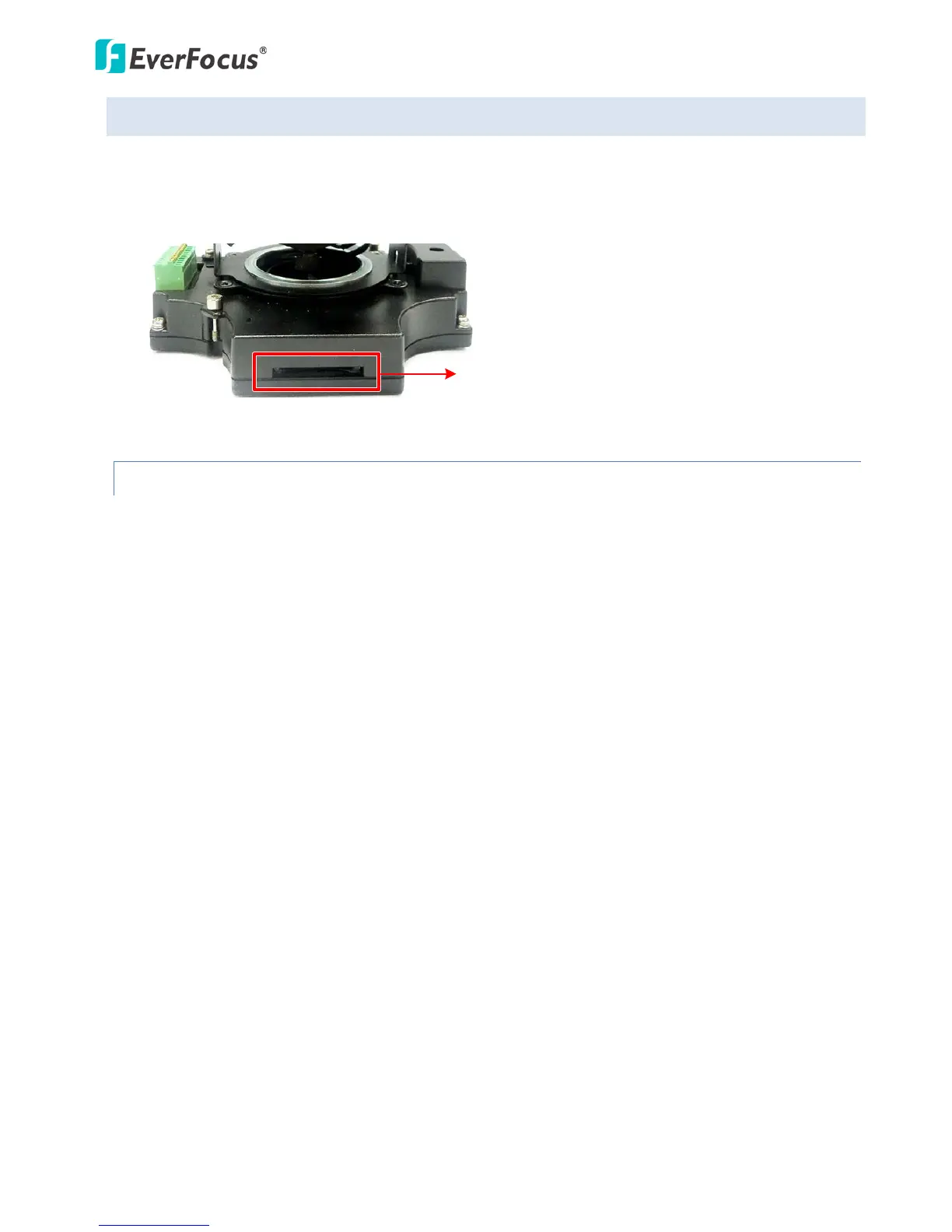
Note that the Playback function will not be activated until the user has inserted an SD card in the
camera’s SD card slot. The card may also have to be formatted in the Secure Digital Card field (see 7.1.3
Storage). For the tested card brands, please refer to Appendix.
6.2.1 Inserting / Removing the SD Card
1. To insert the SD card: Remove the camera cover and insert the SD card into the SD card slot
before powering on the camera.
2. To remove the SD card: Click the Remove button (System Settings > Storage > Secure Digital Card)
when the camera is powered on, the SD card information “SD card is not mounted” will display
and the Remove button will change to Attach, and then you may remove the SD card. If you
want to insert the SD card again, insert the SD card and then click the Attach button.
After inserting the SD card into the SD card slot, the Playback button on the Live View page should be
activated. If not, do the following:
1. Click the Remove button, pull the card out and re-insert it.
2. Click the Format button to format the card. NOTE: All data on the disk will be deleted if the
Format button is clicked.



 To Next Page