EHN3261/3361
37
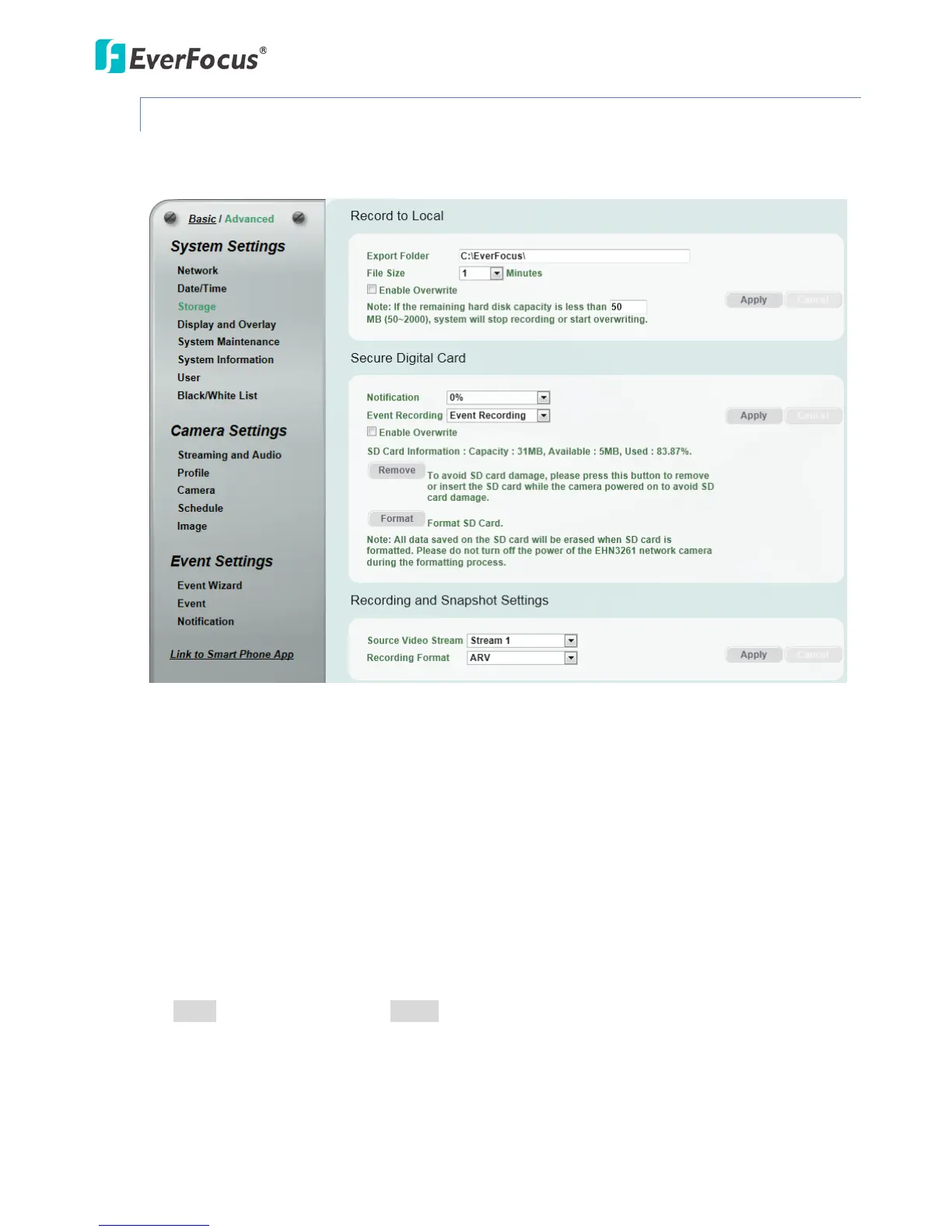
7.1.3 Storage
You can configure the recording path / format, source video stream and SD card settings on this
page.
【Record to Local】This function can only be set up in the Advanced tab. You can configure the storage
path for storing the recordings / snapshot on your PC.
Export Folder: Type the storage path for storing the recordings / snapshot.
File size: The user can limit the size of each recorded file here (in minutes). Once you click the
Record button on the Live View window, the camera will start recording the live stream to your
computer. When a single recording file exceeds the time you set, the system will create a new file
to save that data to.
Enable Overwrite: Check the box for overwriting recording/snapshot file when the disk storage
capacity is full. The user can set the storage capacity limitation in the in-sentence box below the
Enable Overwrite setting: “If the remaining hard disk capacity is less than ____ MB (50~2000),… “
Click Apply to apply the changes or Cancel to cancel the changes and return to the previous settings.



 To Next Page