EHN3261/3361
56
7.2.4 Schedule
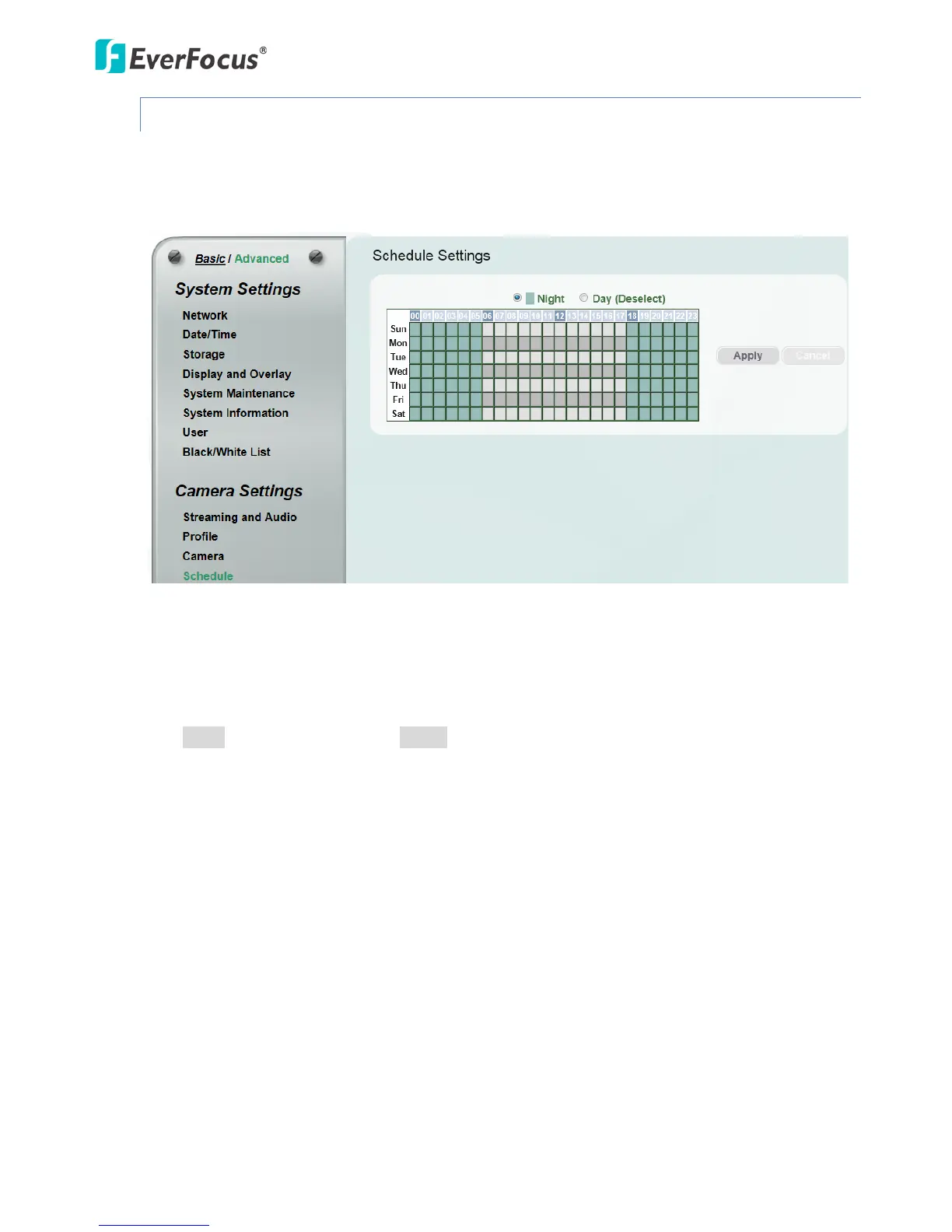
The Schedule setup page is designed for users to configure the daytime and nighttime of each day.
The Schedule setting is only functional if you select Schedule from the D/N Mode drop-down list on
the Camera setup page.
Select Night and then move the cursor on the desired time square, click and drag the cursor over
the time squares to configure them to the Night mode (green color). Select Day and then move the
cursor on the desired time square, click on the time squares to configure them to the Day mode
(gray color).
Click Apply to apply the changes or Cancel to cancel the changes and return to the previous
settings.



 To Next Page