• Guest: The lowest level of access, which only allows the user access to the live view page.
3. Select Active or Disable to active or disable the user account.
4. Check the Enable SD Card box to allow the user to access the SD card playback function.
5. Click the Edit button to save the changes.
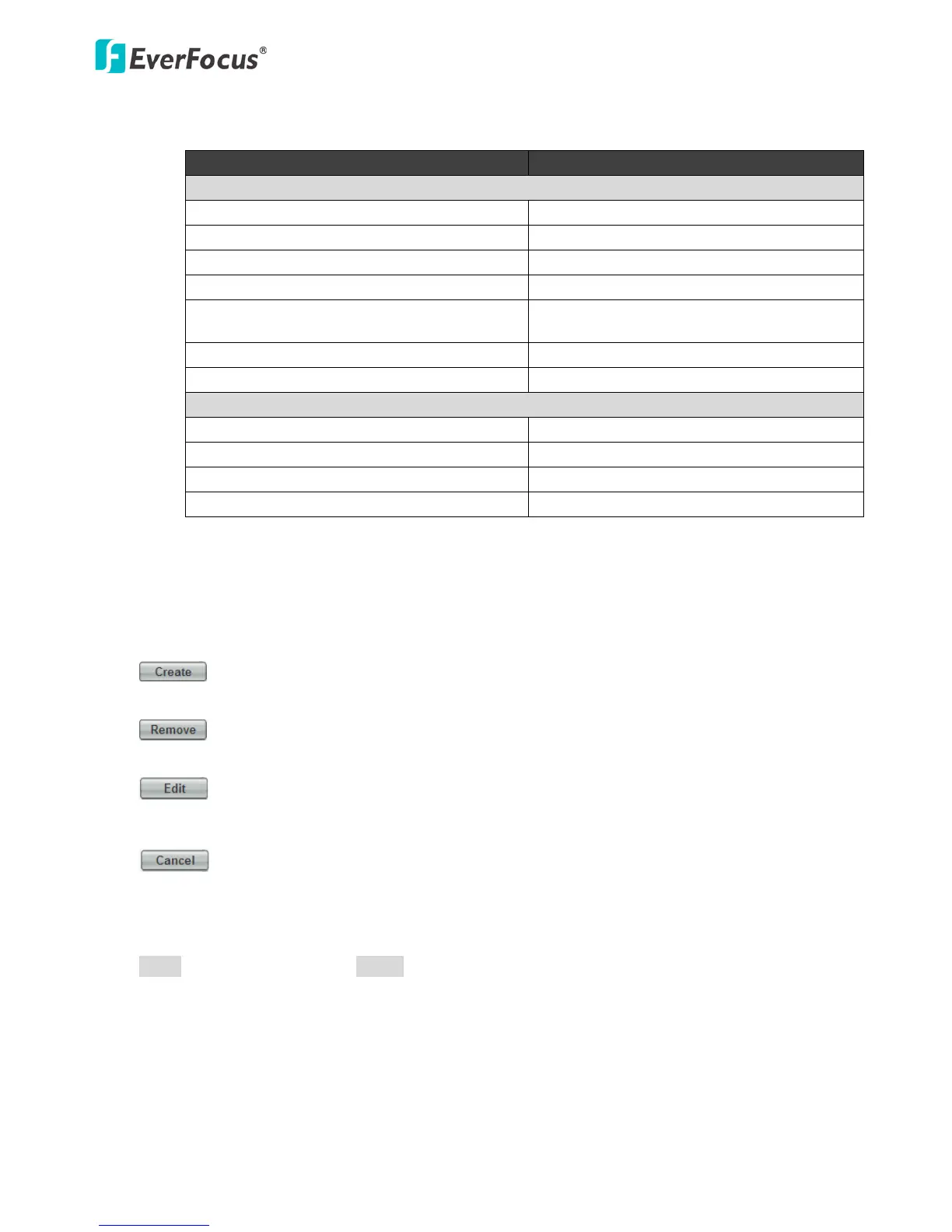
: The button is only activated when the number of list is less than ten. Enter the account
information and click the Create button, the new account will be listed in the account list.
: Highlight an account and then click the Remove button to remove the highlighted
account.
: Highlight an account and enter the account information in the boxes below the account
list. Click the Edit button and the account will be edited.
: Click the button to cancel the changes and return to the previous settings.
【Anonymous Settings】Check the box to allow the unauthorized persons to log in the camera. Click
Apply to apply the changes or Cancel to cancel the changes and return to the previous settings.



 To Next Page