EHN3261/3361
65
Test FTP Server: Click the Test button to send a testing file to the assigned FTP server.
Click Apply to apply the changes or Cancel to cancel the changes and return to the previous
settings.
Note: If the camera lost connection to the FTP server, the recordings will be automatically
uploaded to the SD card on the camera. Once the connection between FTP server and camera
has re-established, the camera will resume uploading recordings to the FTP server. However, the
recordings uploaded to the SD card during the disconnection period will not be uploaded to the
FTP server.
【SNMP Settings】The default values for SNMP v1/v2/v2c and SNMP v3 are already filled in. Click
either of the Enable buttons to enable either of the two. Make your changes as desired. Click on
the Trap Address field to enter the digits, if required.
Click Apply to apply the changes or Cancel to cancel the changes and return to the previous
settings.
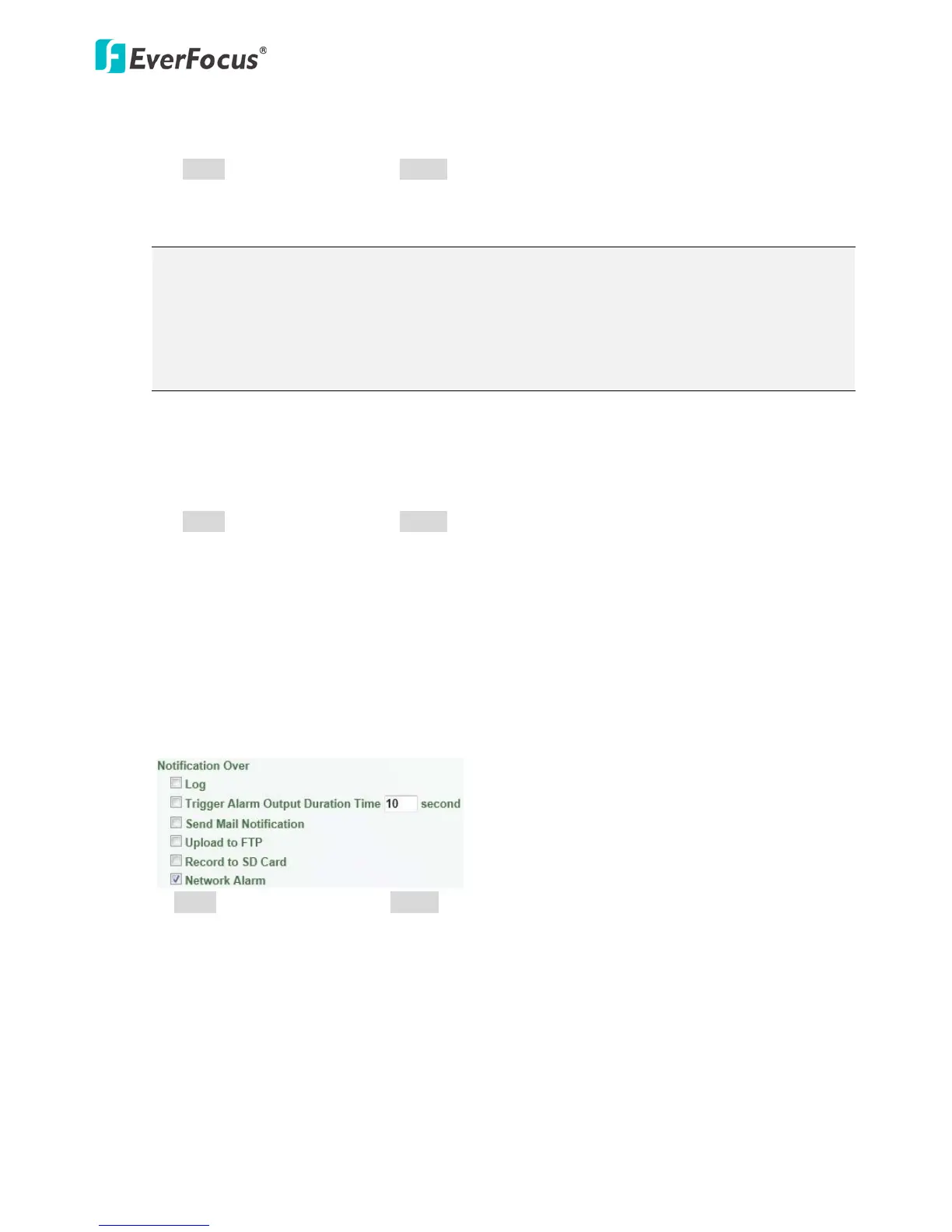
【Network Alarm Settings】This function works with EverFocus CMS software. The camera can send a
network alarm signal (when the event occurs) to the CMS servers. To establish the connection
between the camera and CMS servers, the protocol and port number should match with each
other. For more details, please refer to the CMS user’s manual. Note that to enable the Network
Alarm function, you have to check the Network Alarm box in the Event Management field (see
7.3.2 Event).
Click Apply to apply the changes or Cancel to cancel the changes and return to the previous settings.



 To Next Page