34
ABF 05-10-15
ENGLISH
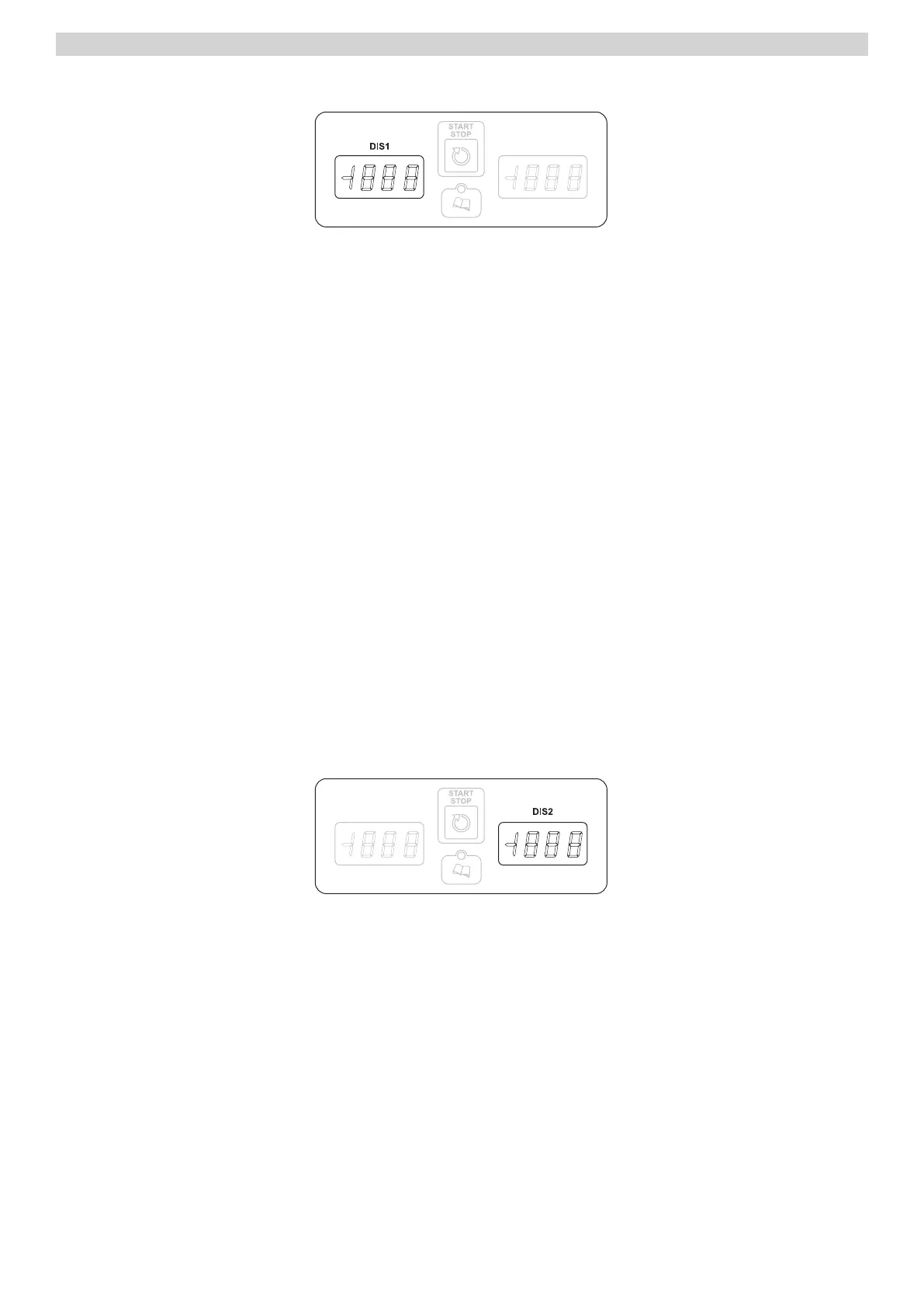
TEMPERATURE DISPLAY
With label in OFF:
Visualized the “label off “
With label in STANDBY:
Visualized the internal ambient temperature in the cold room.
After a reset during a performing
Visualize the label RES blinking
With selected cycle:
Visualized the set point cold room in relation to the selected one .
In imposed / selection program:
Visualized the label of the program chosen.
During a defrosting performance:
visualize the label DEF
Parameters selection:
visualize the label parameter reference
Historic view of HACCP alarms
Visualize the historical information’s reference.
NOTE: The right digital light dot signalize the entry of a new alarm in the historic memory.
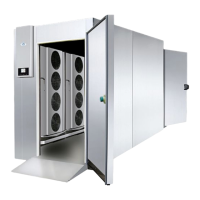
DISPLAY TIME
With card in off position:
off
With card in STANDBY:
• it visualizes three hyphens.
With selected time:
• visualize the duration of the cycle.
With time in progress:
• visualize the time in decrement.
In formulation parameters:
• visualizes the value of the selected parameter.
With visualization Historical HACCP:
• Visualizes the information related to the historical HACCP.



 To Next Page