38
ABF 05-10-15
ENGLISH
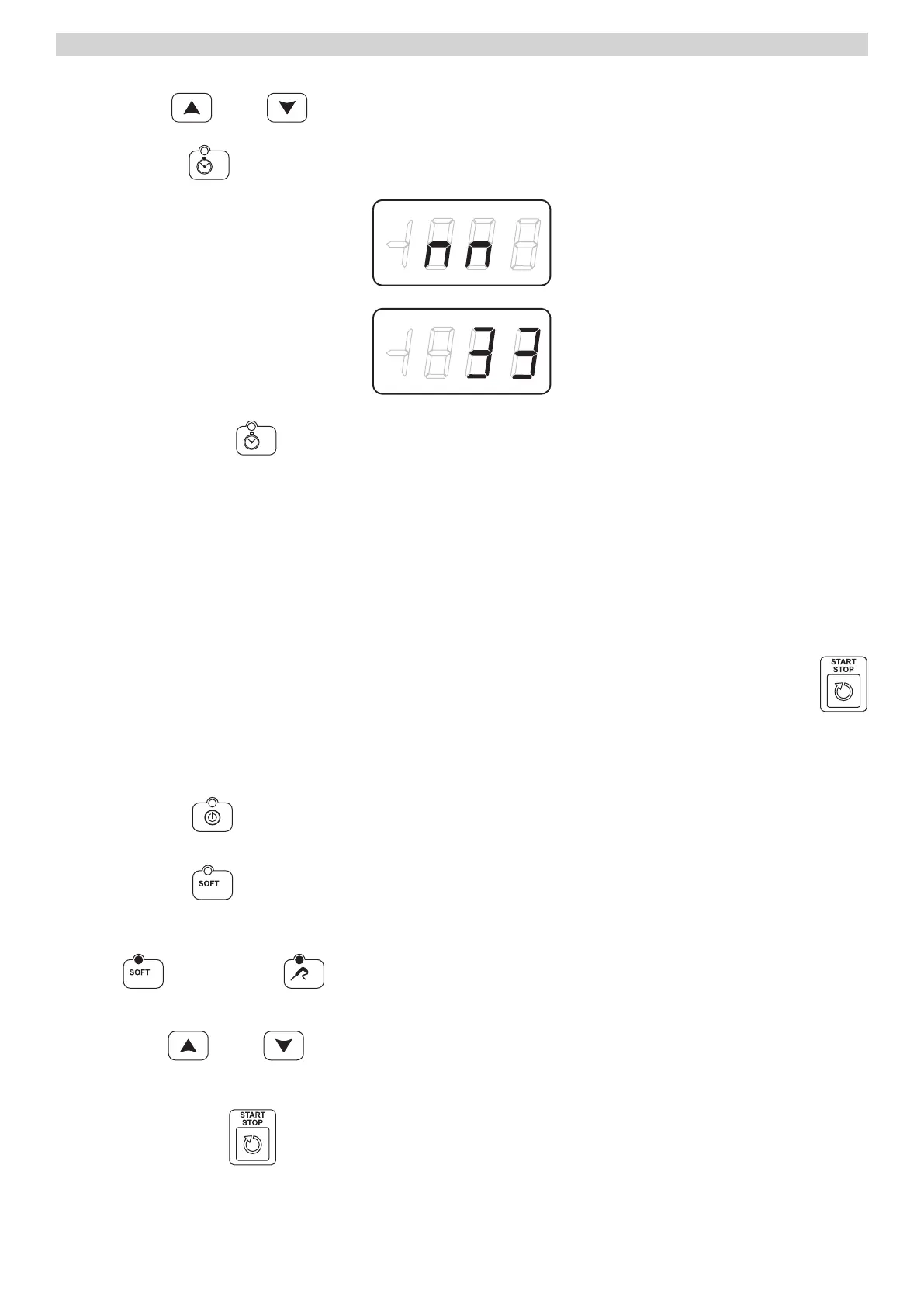
and select more
or less
(increase / decrease), to input the legal time.
Press the key time
to select the minutes
Finely, press the key time
to confirm all the values and turn back to OFF.
SELECTION CYCLES
With label in STANDBY it’s possible select a cycle of Blast / freezing. The cycles can be checked by the temperature
of the core probe or from Time selected. If checked by the temperature of the core probe, the end of the blast chillers
happens when the core probe reaches the set point of end blast chillers /freezing, while if a the cycle has been defined
by a time, the end expire at the end of the time settled.
For both types of cycle, once finished the phase of blast chillers/
Freezing, it begins the phase of maintenance, whose term’s are defined by the pressure of the key START/STOP
that puts the schedule in STANDBY.
Positive Blast Cycle
Press key ON/OFF
Press the key blast
to select a positive cycle
The cycle selected is controlled by the core probe, from default.
The blast
and temperature
led’s are light on, the display DIS1 shows the cold room set point wile the display
DIS2 shows three dashes .
With keys more
or less
is possible change the cycle time.
The changes applied are only temporary and don’t remain in memory.
Press key START/STOP
to the start on.
NOTE: The minimum settable value for the cold room set point is -40° C and the maximum is 99° C.
The minimum settable time value is 0 minutes, the maximum is 400 minutes.



 To Next Page