16
HOT SURFACE
INNER FOCUS
100
o
F
SET
TEMPERATURE
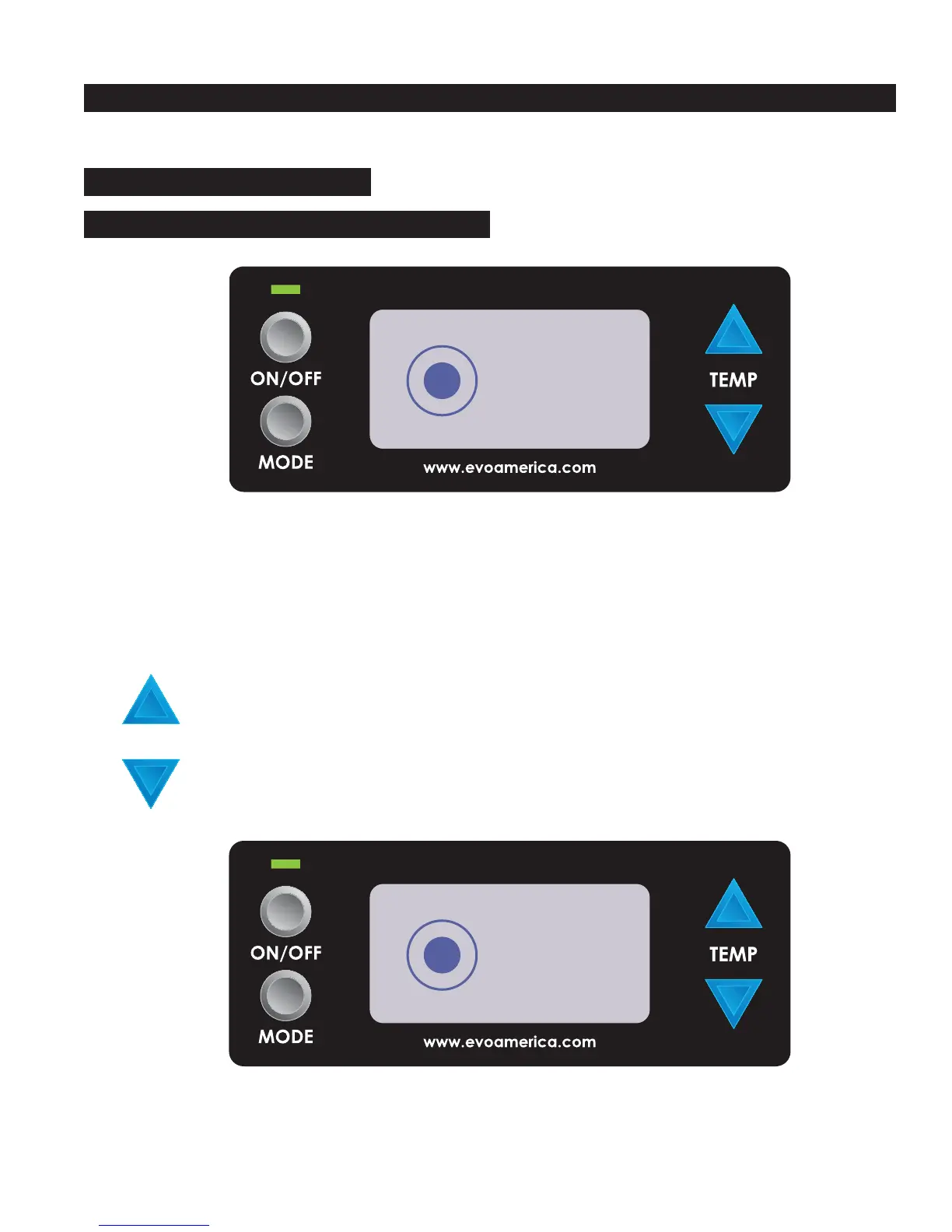
Centric 20E Control Panel
Advanced Feature
ON
INNER FOCUS Temperature Mode
INNER FOCUS temperature mode is selected by pressing the MODE button for
four seconds when the unit is powered ON.
HOT SURFACE
INNER FOCUS
325
o
F
ACTUAL
TEMPERATURE
Pressing the blue UP arrow when the unit is powered ON increases the temperature as indicated
in the display window. Each subsequent press of the UP arrow increases the SET temperature
by +25F°(+14°C).
Pressing the blue DOWN arrow decreases the temperature as indicated in the display window.
Each subsequent press of the DOWN arrow decreases the set temperature by -25F° (-14°C).
Pressing the MODE button for one second displays the ACTUAL temperature of the cooking
surface in INNER FOCUS mode (+ /- 25°F or 14°C).
MODE
When the unit is turned on, the window momentarily displays the system check screen and then
the EDGE to EDGE temperature mode screen appears.
Pressing the MODE button for four seconds selects the INNER FOCUS temperature mode.
MODE



 To Next Page