23
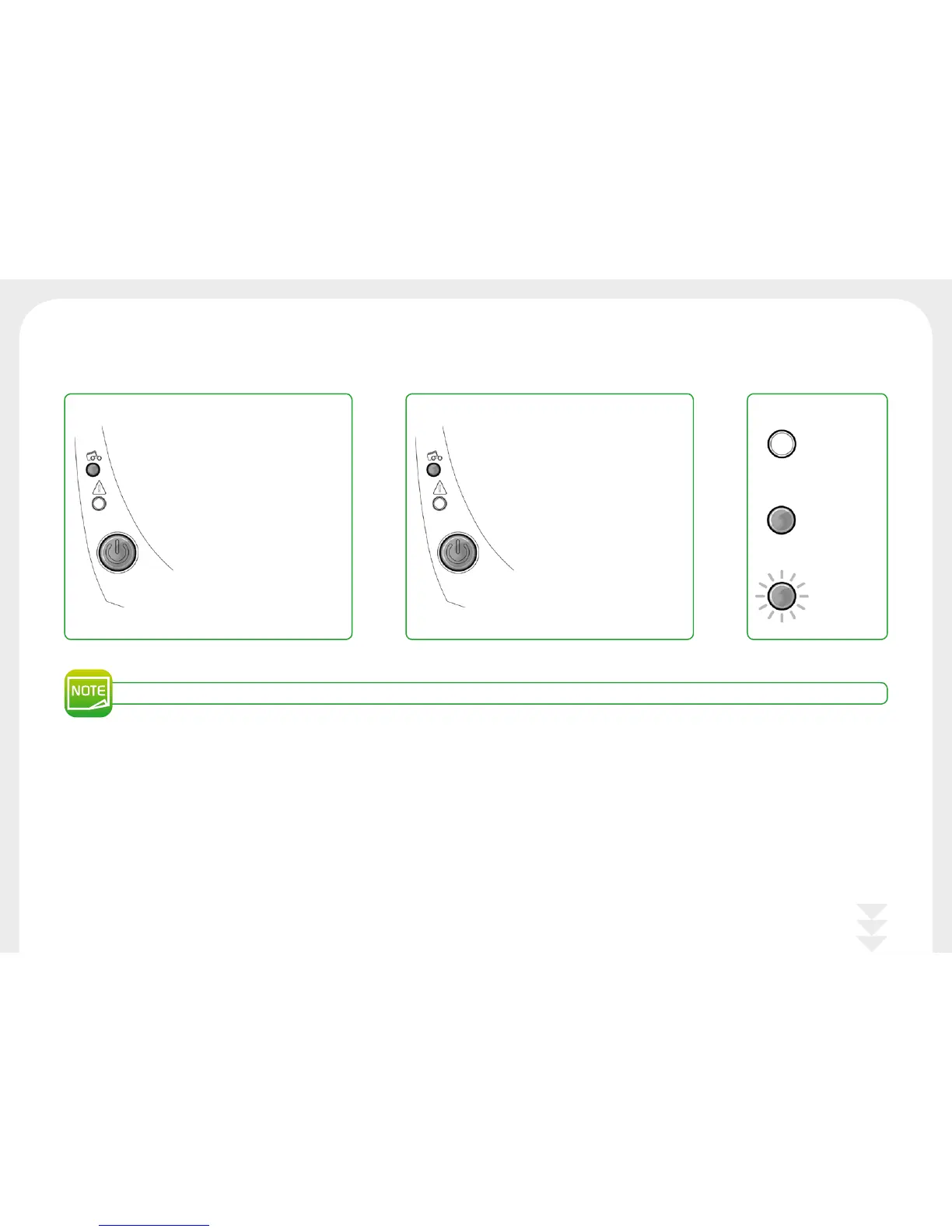
The control button and the card/ribbon warning lights are lit
For optimum use of your printer, we advise you to use the recommended ribbons and cards.
l
No ribbon in the printer.
l
End of ribbon.
l
The ribbon is not correctly fitted.
l
The ribbon is torn.
l
The ribbon is not recognized.
Check the condition of the ribbon
in the printer. If you have a print
job in progress, this restarts with
a new card.
l
No cards in the card feeder.
Load cards into the feeder – the
process starts again.
l
Error loading cards.
Check the cards are loaded. For
any other problems, contact your
Badgy reseller.
CARDS RIBBON LEGEND
OFF
STEADY LIGHT
FLASHING



 To Next Page