24
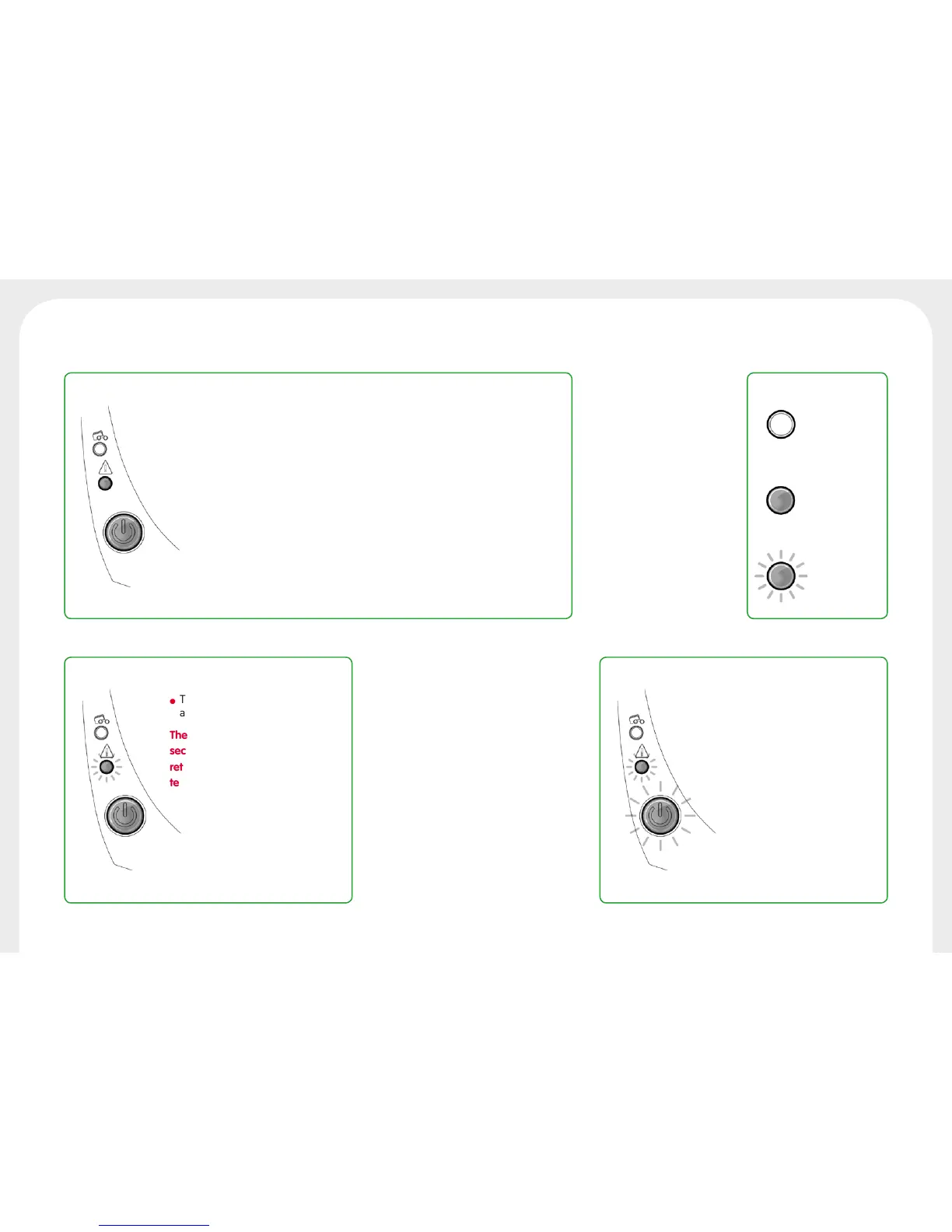
The control button and the printer warning lights are lit
l
The printer cover is open.
Close the cover again. The printer
starts up.
PRINTER COVER OPEN
l
Card jammed in the printer.
l
Mechanical component fault.
Open the cover and hold down
the pushbutton in order to eject
the jammed card. For more
details, refer to section 4-3b. If
the problem persists, contact
technical support at
www.badgy.com
MECHANICAL ERROR
l The cooling system has been
activated.
The printer pauses for a few
seconds and restarts once it has
returned to its normal operating
temperature.
l The printer is updating its
Firmware.
The printer is operational again
following the update.
COOLING MODE FIRMWARE UPDATE
LEGEND
OFF
STEADY LIGHT
FLASHING



 To Next Page