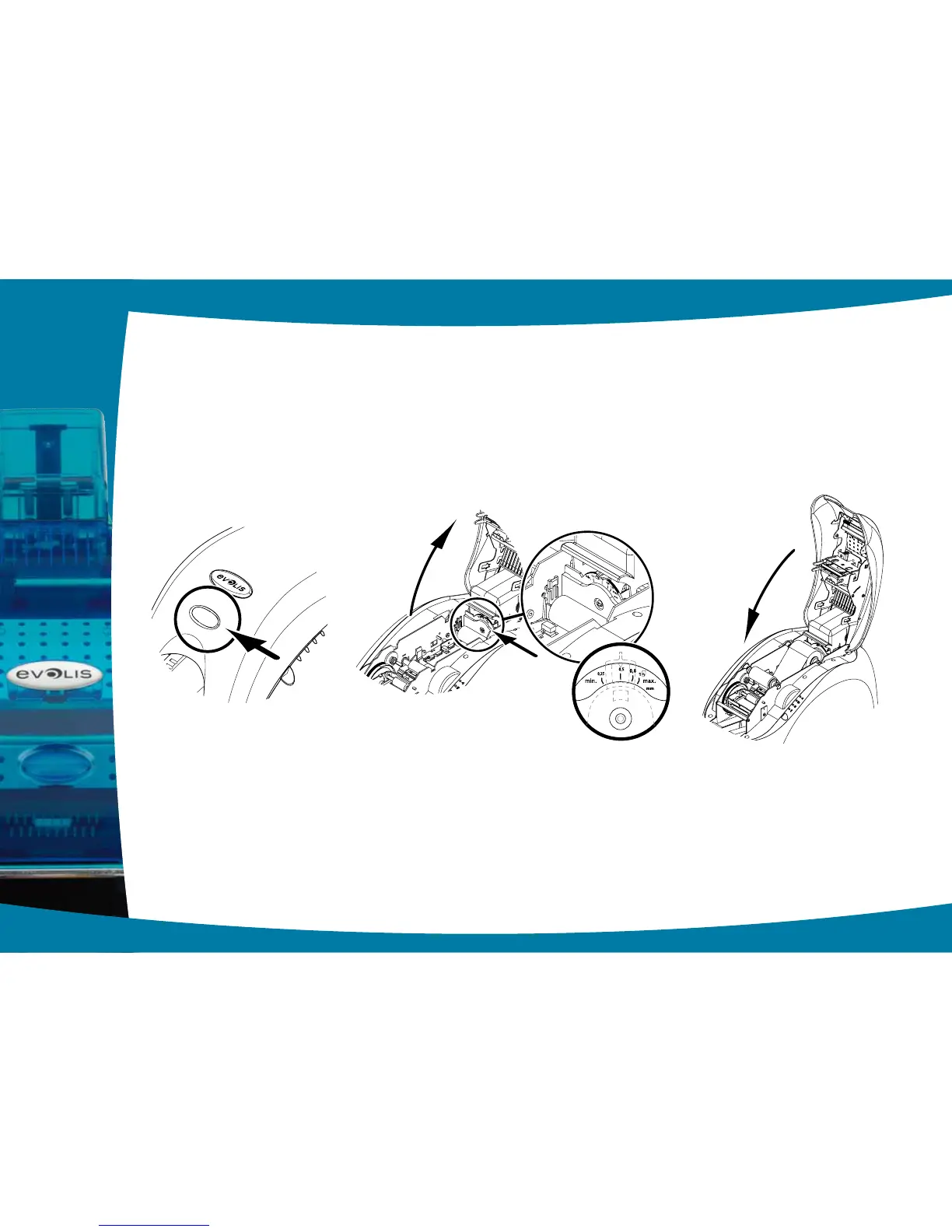
Adjusting card thickness from inside of the printer:
Ê
Open the printer cover by pressing on the opening lever, then tilt the cover up.
Ë
If necessary, remove any ribbon inside the printer. Then adjust the thickness of the cards used by moving the lever from
right to left to the desired card thickness.
Ì
Replace the ribbon in the printer, then close the cover.
1
11
Ê Ë Ì



 To Next Page