ä
Inserting cards manually
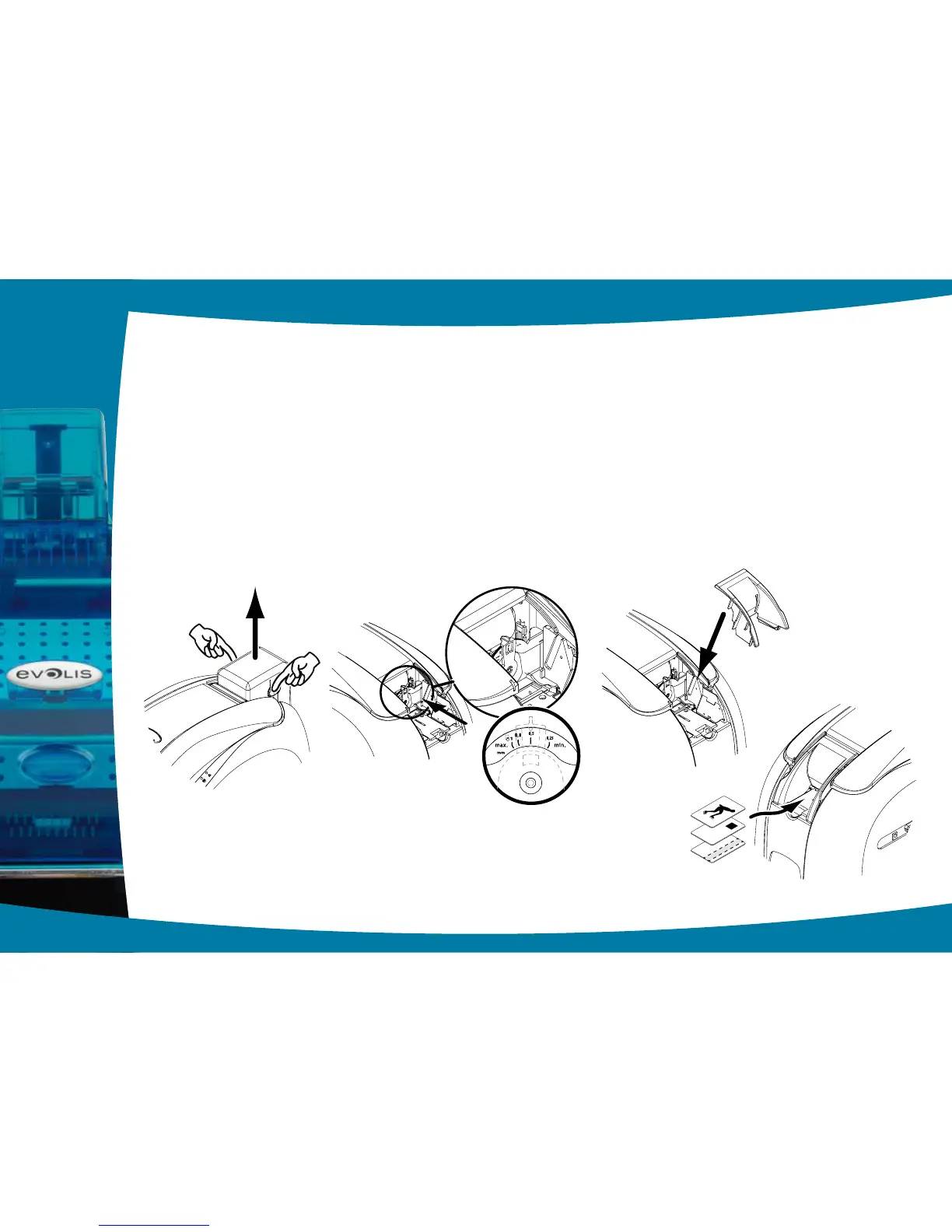
The printer may optionally be equipped with a manual feeder for inserting cards individually.
The manual feeder option needs to be congured via the printer driver’s Properties, under the “Graphics” tab.
Choose “Manual feed” from the “Card management - input” menu and select the desired output method from the menu.
The manual card feeder is installed as follows:
Ê
Remove the card feeder from the printer as shown.
Ë
Using the lever, set the card thickness to the MAX position.
Ì
Place the manual card feeder in the printer as shown. Then press on the upper section of the feeder until it clicks.
Í
Insert the cards, as indicated.
1
12
Ê Ë
Í
Ì



 To Next Page