³
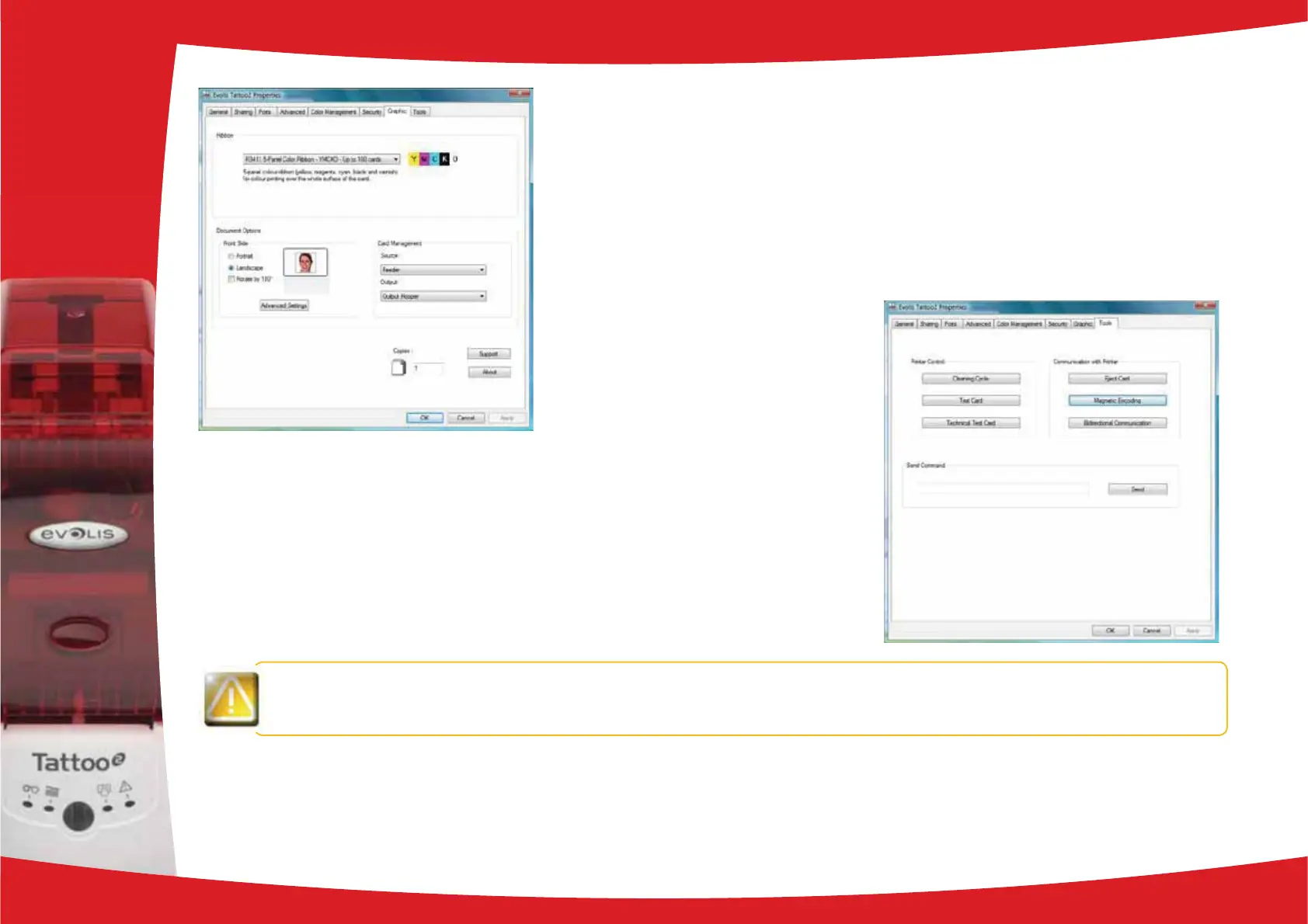
“Graphics” tab
O Ribbon* or card types
O Front/back printing
O Choice of methods for feeding and collecting cards
O Card orientation, portrait or landscape
O Number of copies
³
“Tools” tab
O Setting and testing magnetic encoding options
O Test card printing
O Cleaning the printer
O Dialogue interface with the printer.
such as the model and serial number which you could be asked to provide if you call technical support.
* does not apply to rewriteable printers
2
13



 To Next Page