EasyManua.ls Logo

Evolis Tattoo 2 - Freeing Jammed Cards; Freeing Jammed Cards Procedure; Preventing Card Jams

Evolis Tattoo 2
56 pages
Print Icon
To Next Page IconTo Next Page
To Previous Page IconTo Previous Page
Loading...
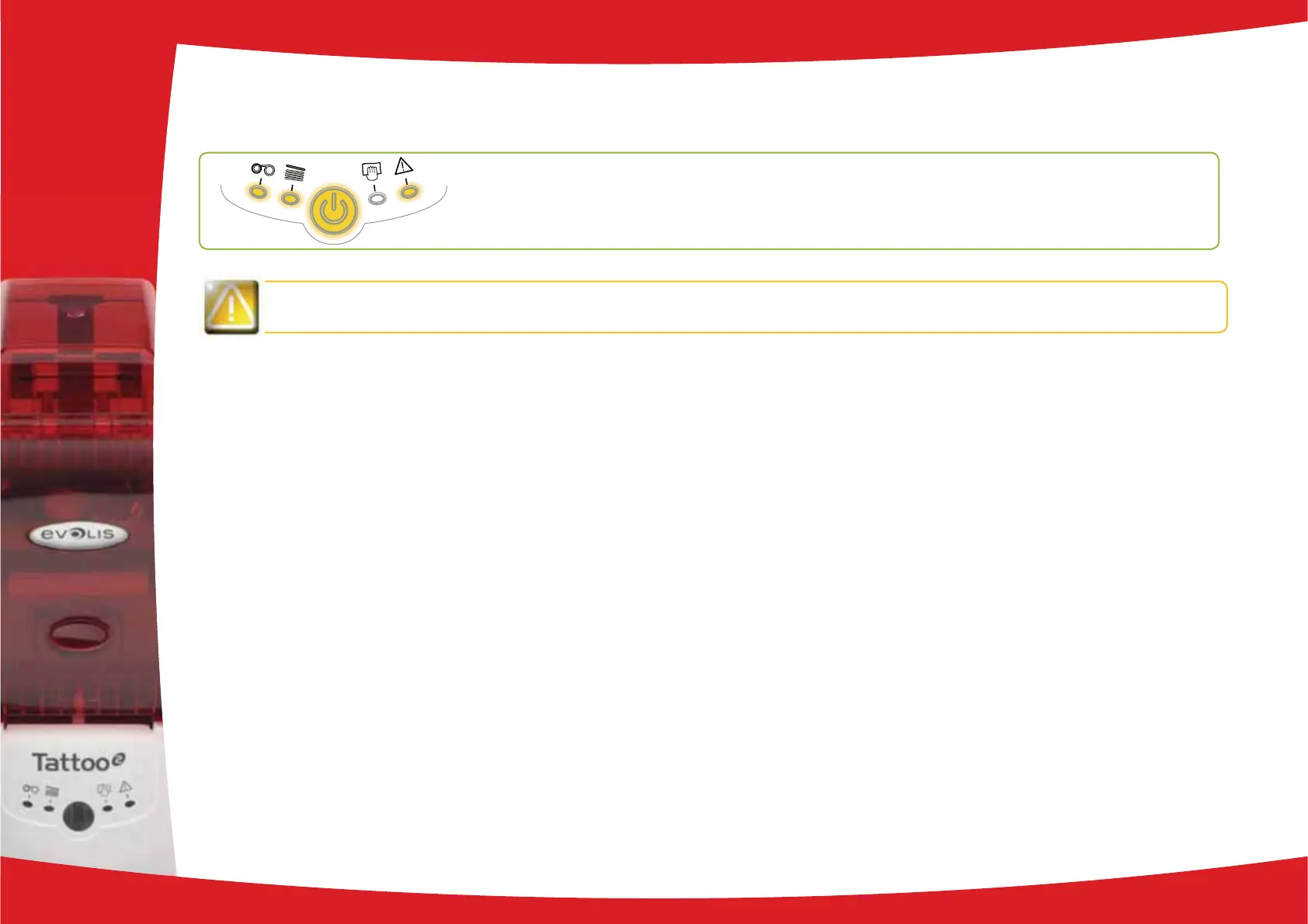
4-3b FREEING JAMMED CARDS
Control panel displays

Remove the card as follows:
Open the printer cover and remove the ribbon.
Press the control button to turn the card transport rollers. If the card is still stuck inside the printer, slide it manually towards

Replace the ribbon, then close the printer cover.
Press the control button on the control panel for one second.
To prevent card jams:

in this manual.


4
32
O Print jobs are interrupted.MECHANICAL
PROBLEM

Related product manuals