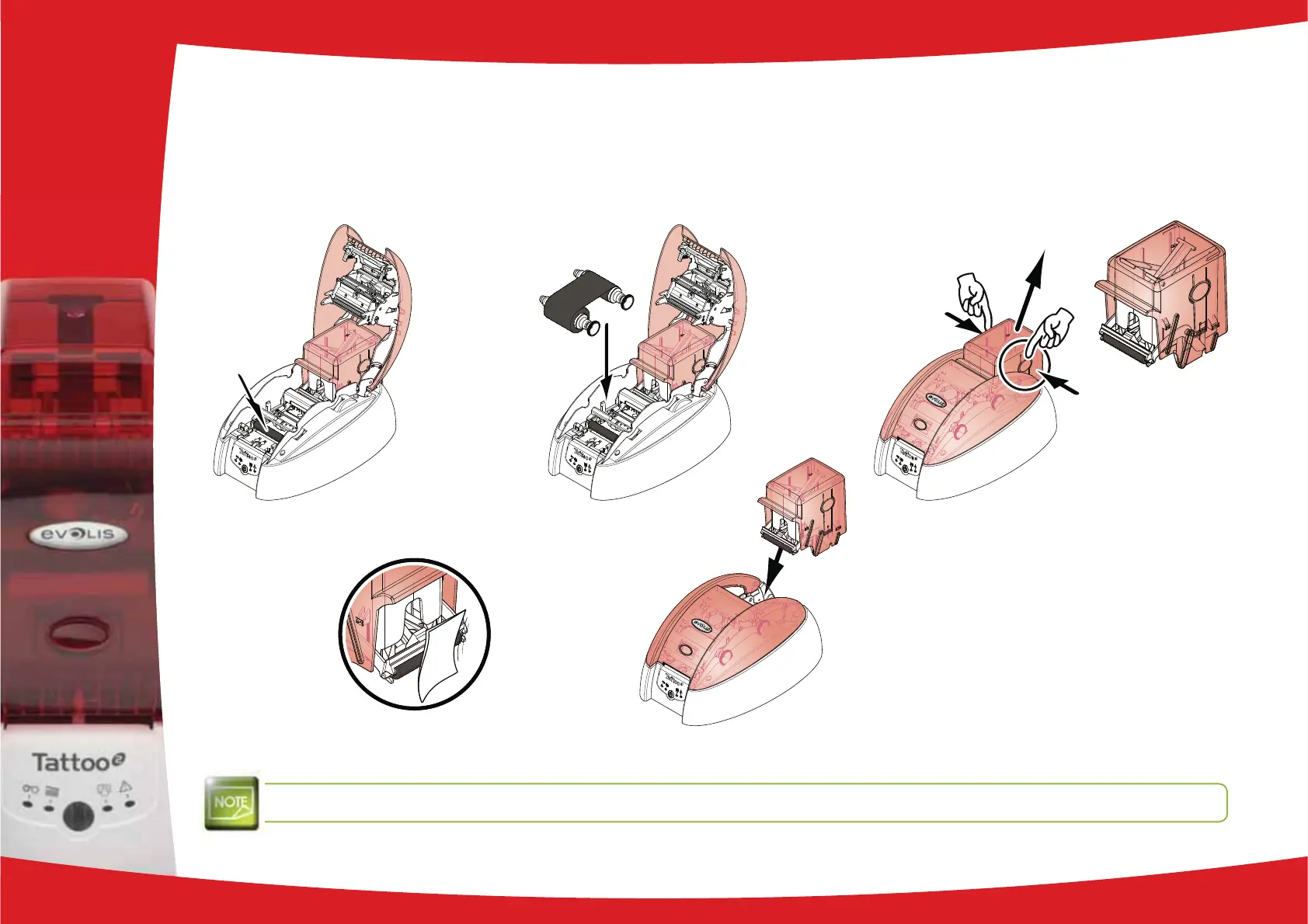
When it has dried, put the cleaning roller back in the printer.
Replace the ribbon if necessary and close the cover again.
Remove the card feeder from the printer.
Clean the roller with the wipe.
¡
Press the card feeder back into the printer until it clicks.
Wait for 2 minutes after cleaning before using your printer.
3
21
¡



 To Next Page