9
Cards loading
The Tattoo printer works in three different card loading modes which
can be selected through the printer driver in the “Main” tab:
Feeder Cards are taken automatically from the feeder
Manual feed Cards are manually inserted one by one by the
operator in the feeding mouth at the front
of the printer
Auto select Printer works automatically either from the feeder
or the feeding mouth depending of where
the cards are detected.
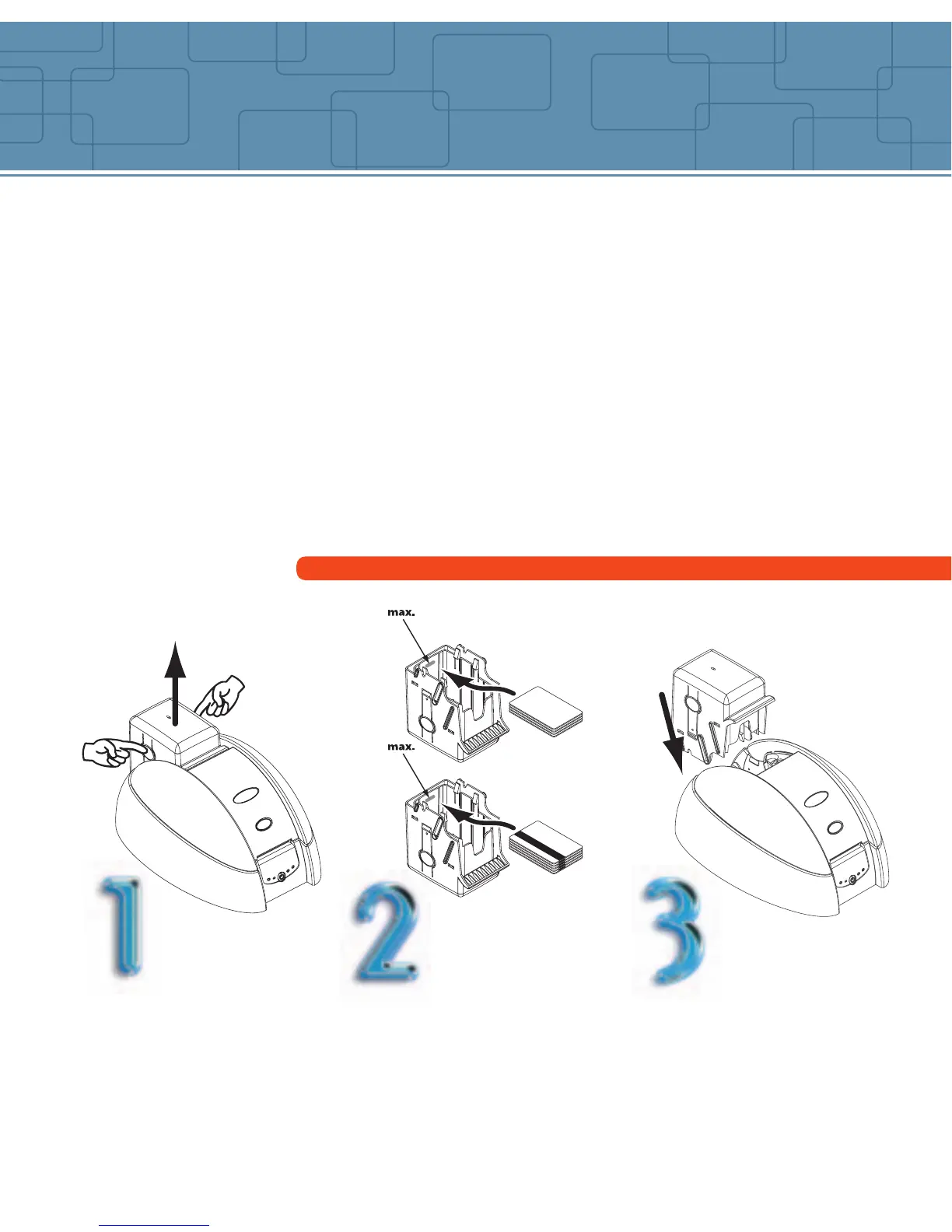
Load the cards from feeder
Press the spring system
down inside the feeder
and insert the cards as
shown (100 cards max.
0.76mm – 30mil)
Remove the feeder from
the printer as shown.
Replace the feeder in the
printer.



 To Next Page