8/13/12
© 2013 Evolution Digital, LLC. All Rights Reserved. Confidential information.!
Special Remote Codes
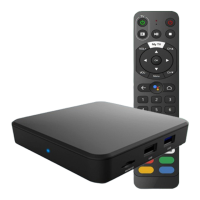
• There are several special remote codes that
can be used to change the mode of operation
of the remote control
• To unpair the remote hold setup until the LED
turns green and press 9, 8, 7
• If the code is entered successfully the LED will
blink green two times and the remote will be
unpaired and operate in IR mode



 To Next Page