8/13/12
© 2013 Evolution Digital, LLC. All Rights Reserved. Confidential information.!
Special Remote Codes
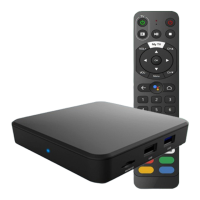
• To factory reset the remote, hold setup until
the LED turns green and then enter 9, 8, 1
• If the code is entered successfully the LED will
blink green two times and the remote will be
reset to factory defaults (all RF pairing
information and TV control will be reset and
the remote will operate in IR mode)



 To Next Page