105
Select "Main Menu → Timer → Deactivation Timer", the system
will display the Deactivation Timer programming screen
Use to go to , then use the numeric keypad to enter th
e
daily deactivation time (in 24 hours).
Use to go to , then use to select "on".
Press to save the new settings.
SMART LIFE APP
This device can be connected and controlled via the Smart Life
app (alternatively, you can also use the Tuya Smart app). Please
download the "Smart Life" app from the app store in advance. The
relevant details of the instructions are as follows:
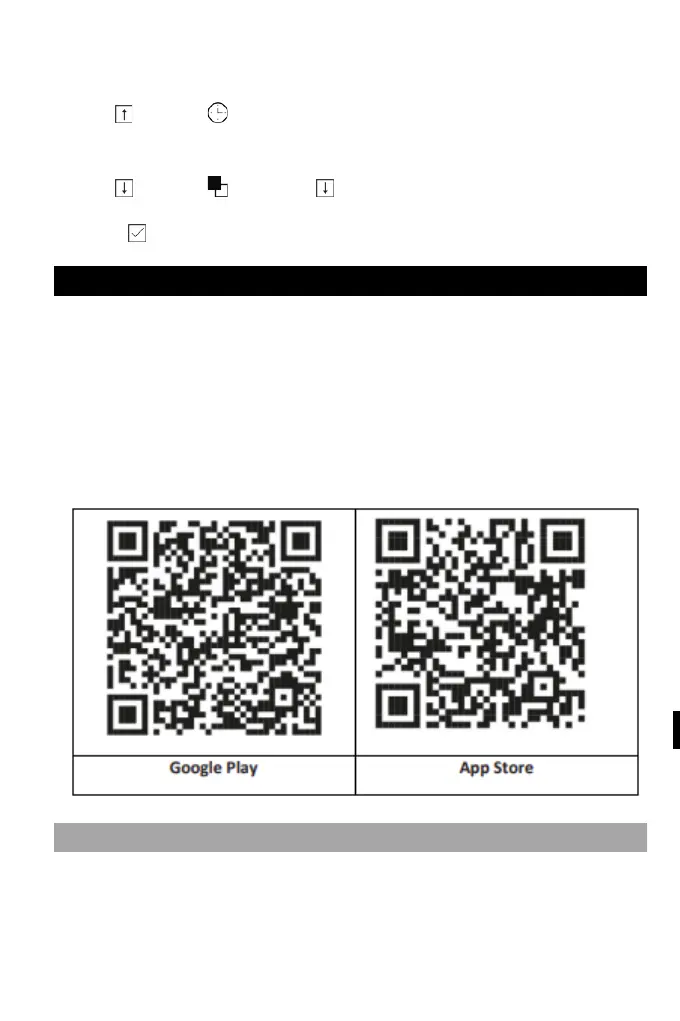
Download the App - "Smart Life" in the app store or scan the QR
code below to download it.
REGISTRATION AND LOGIN TO THE APPLICATION
1. When you launch the app, you will see the option to "Sign In",
and "Sign Up". If you already have your Smart Life account, log in
and proceed to "Connect your panel to the Smart Life app".



 To Next Page