EasyManua.ls Logo

Excelevan CL720 - Menu Settings Instructions; System Function Operation

Excelevan CL720
23 pages
Print Icon
To Next Page IconTo Next Page
To Previous Page IconTo Previous Page
Loading...
The contents of this manual are subject to change without prior notice
15
Menu Settings Instructions
System Function Operation
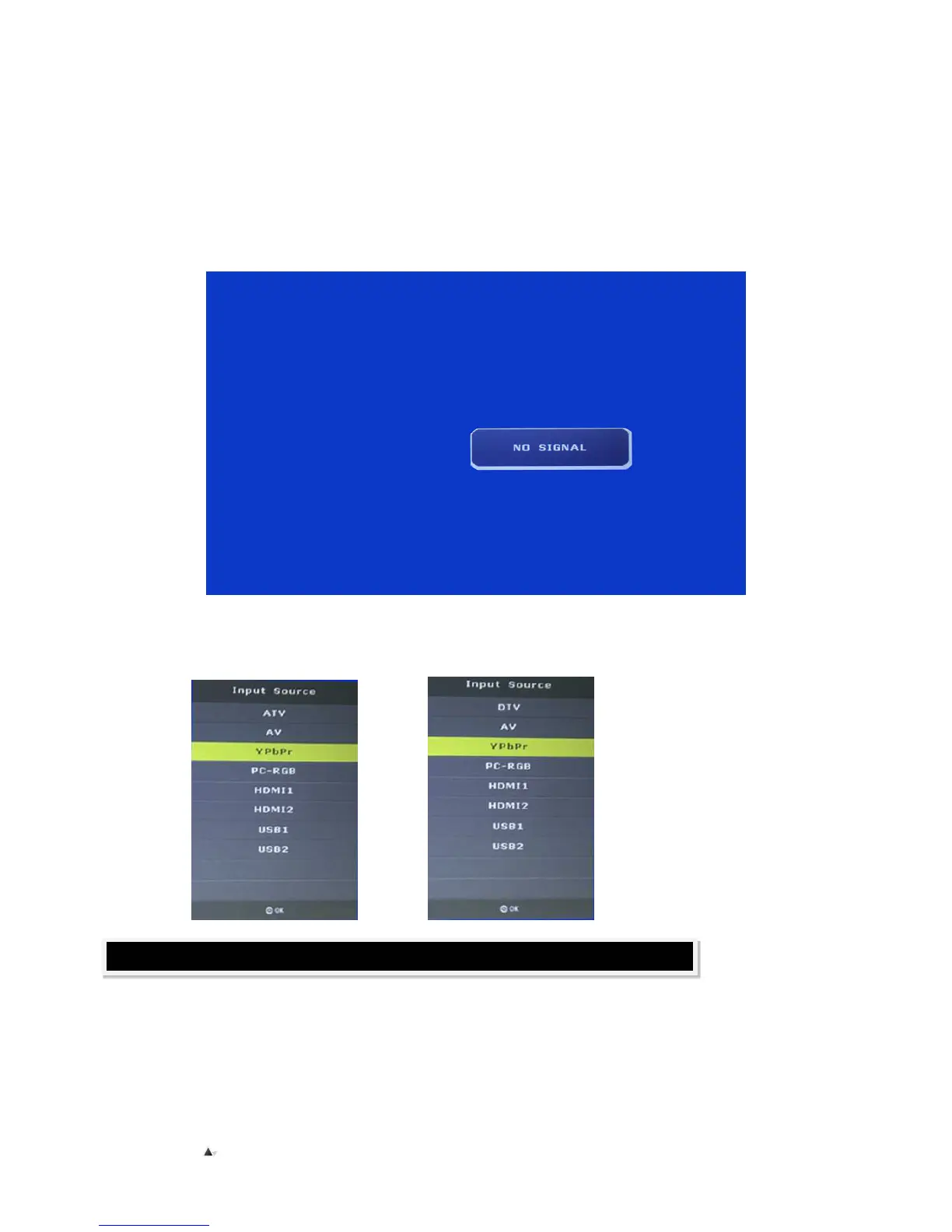
Select the source of signal
While selecting signal channels, if there’s no signal input, There will be a “NO SIGNAL” on the screen.
The “SOURCE” button is used for indicating the options of available signal sources:

Analog
TV
Digital
TV