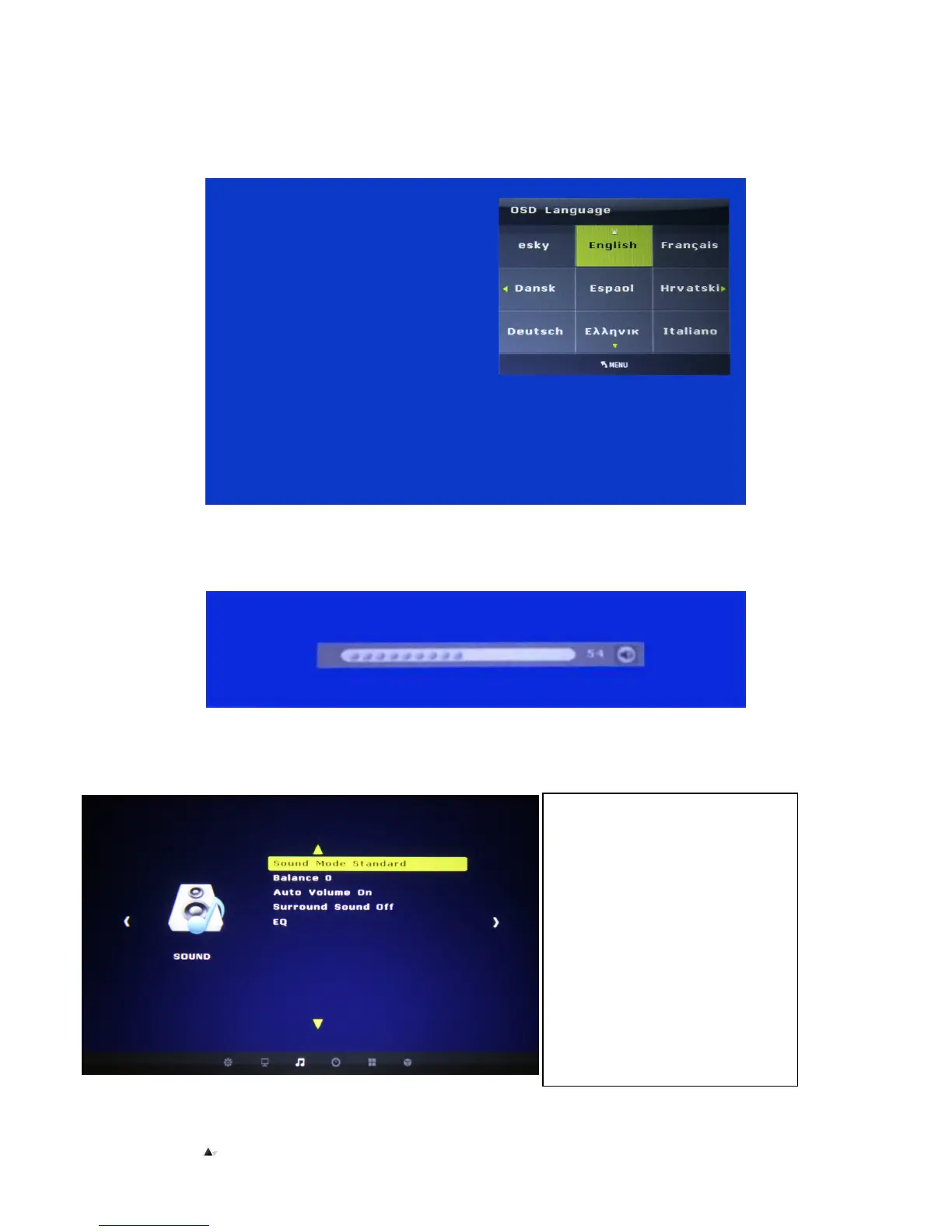
▲
▲▲
▲
Menu Options
Use to adjust the display, language menu, transparency, display time in menu, memory playback; and reset the projector to original
settings.
Audio Menu
While it’s in projection, press “V+/-” buttons to increase or decrease volume.
▲Sound Mode Standard
To select sound play modes:
equilibrium
Balance
Auto volume – Turnoff
Adjust volume depends on
background noise
Surround sound – Turnoff
With surround sound
Fiber-Optics Mode
With surround sound
EQ
Select the accompanying sound effect


 To Next Page