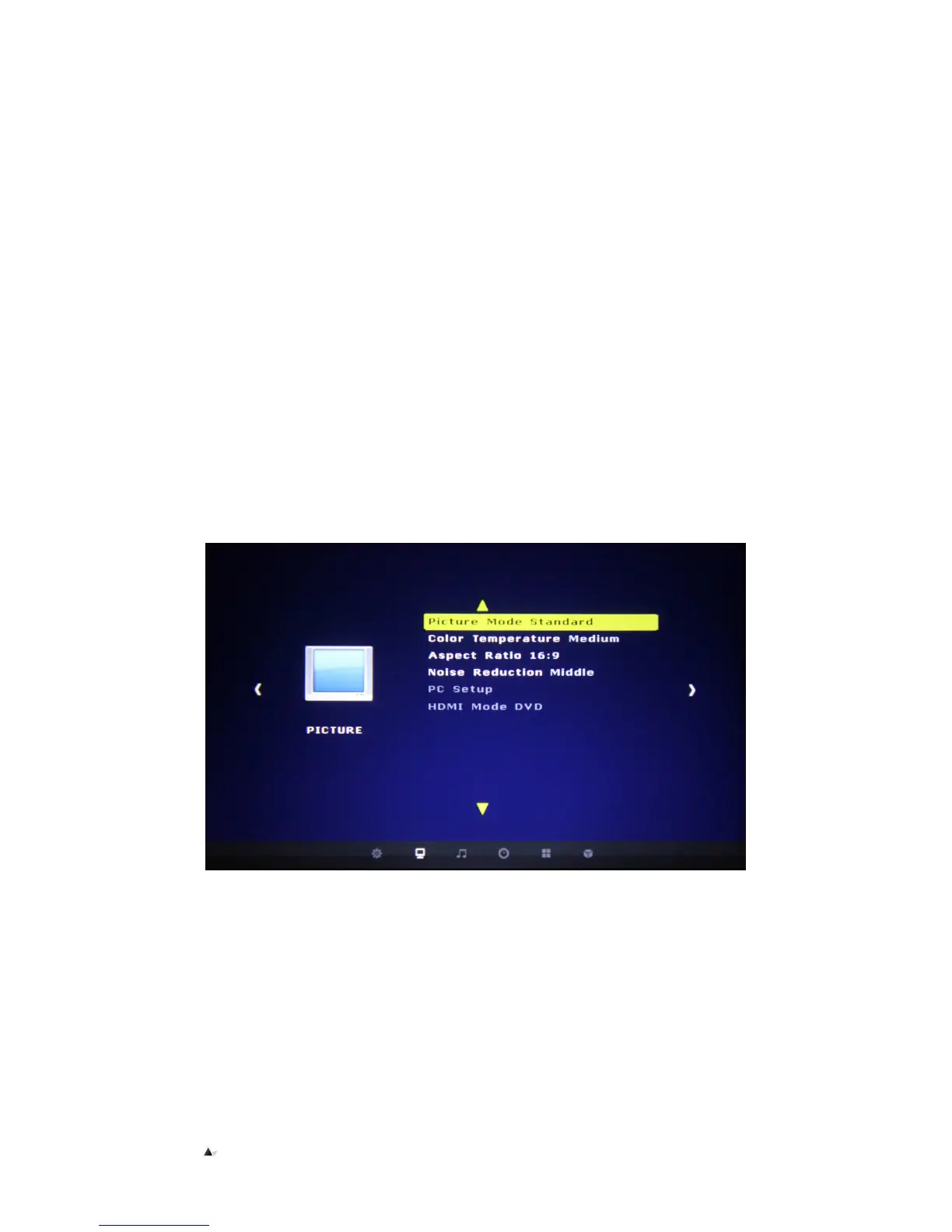
Picture Menu
▲
▲▲
▲
Picture Mode Standard
Different display modes for the image can be set to : Standard, Lively, Movie, based on personal preference
▲Color temperature
You can select different color temperatures, Cold and Warm. This enhances the image.
▲Aspect ratio
Includes the options of: screen zoom, and display a 16:9 aspect ratio.
▲Noise reduction
Image background noise reduction. Enhances the image.
▲Picture setting
In VGA mode, the picture mode is relative; the brightness can also be adjusted in this mode.


 To Next Page