1642
16
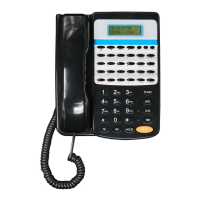
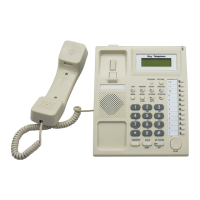
Key Telephone
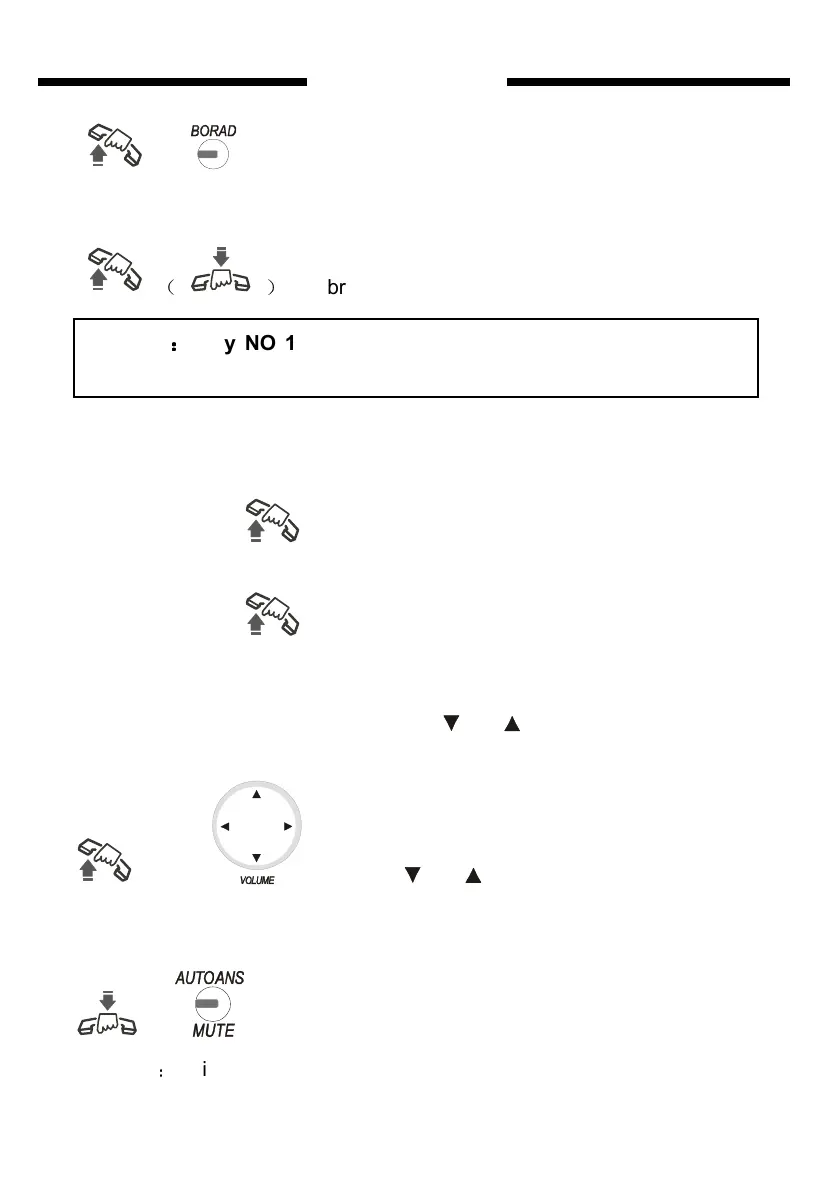
Monitor Key phone Pick up+ Broad key +3 then broadcast light on
+ + 3 (broadcast Light on)
Cancel Press Broad key (or hang the phone), then broadcast light
turn off
( )
broadcast Red light off
Monitor
Monitor the CO. line:
+ # 71M (M=1-8 CO line code number)
Monitor the Extension line:
+ # 72 + Ext. NO.
System Query
Pick up+# + 6 Press navigate key (use or ) to check system version,
outgoing mode, grade and other data..
+ # 6 + (using or )
Auto answer in HANDFREE state
In hang mode press AUTOANS key, then red light turn on
+
Attention
:
This function available only for intercom call
Remark
:
::
:
only NO 1(EXT601) and NO2(EXT602) key phone have
these function as above as default setting.


 To Next Page