2742
27
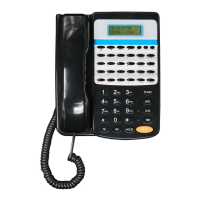
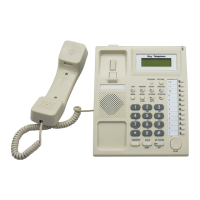
Key Telephone
SYS. PROGRAM
ENTER
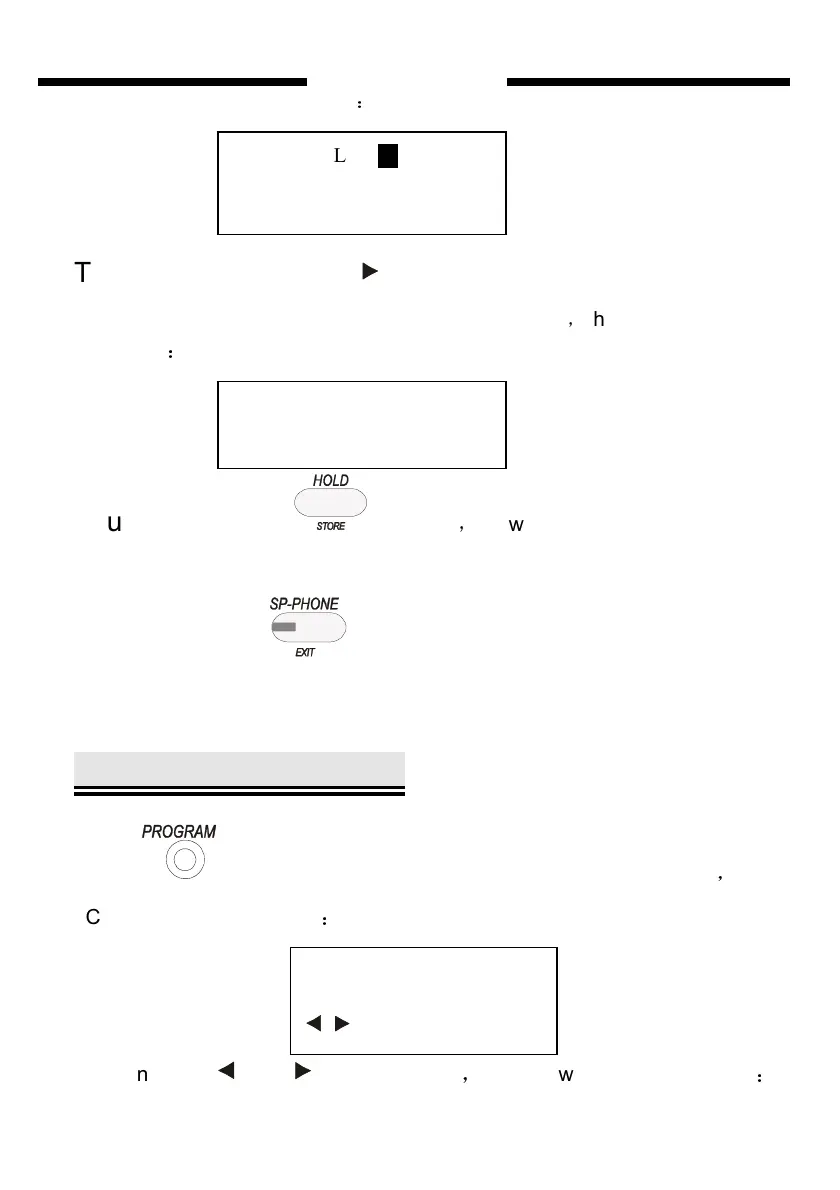
the LCD will display as follows
:
Third step:First, press key , let it be to input telephone number state.
Then, press directly the number keys “13302818996”
,
the LCD will display
as follows
:
Fourth step:
press to save
,
you will hear “DI” to show it save
successfully.
Fifth step:press once to exit this setting state and come back
to NORMAL IDLE state .
System Programming
Press twice ,then system will into SYS. PROGRAM state
,
the
LCD will display as follows
:
You can press
and ( navigate key)
,
the LCD will display as follows
:
AUTO DIAL 20
SYSTEM
AUTO DIAL 20


 To Next Page