1842
18
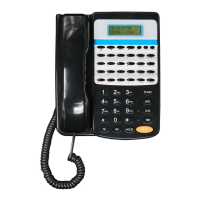
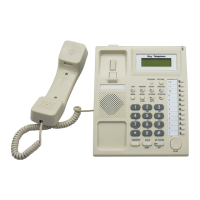
Key Telephone
Use Setting
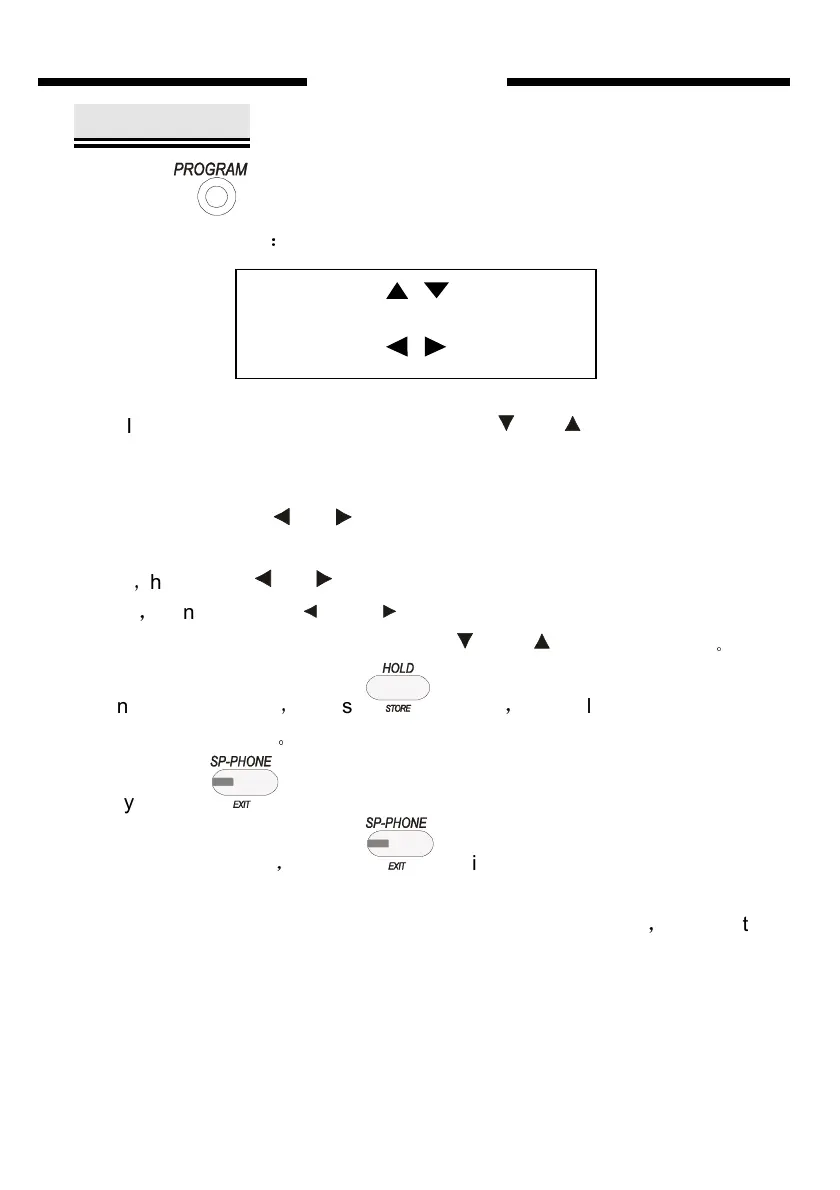
Press one time, then system will enter USE SETTING state.
LCD shows as follow
:
In the USE SETTING state press key or ( navigate key) you
can select setting item, such as “LANGAGE SET”, “OGM RECODER”, …
“QUICK TRANS SET”, It can be select recycle.
Then press key or you can setting the item which select in the
USE SETTING. For example when current sub-item is “EXT.AL.TIME
SET”
,
then press or you can enter the extension alarm clock time
setting
,
continue press and to make choice in the sub-item in the
setting items, after chosen ,you can use and to adjust the data
。
When setting finished
,
press to save
,
you will hear “DI” to show
setting is successfully
。
Finally press one time to exit from the current setting back to the
USE SETTING state
,
press twice you can let key phone into
NORMAL IDLE state from the USE SETTING state.
Below is an example show how to setup “EXT.AL.TIME SET”
,
the result is
to set the alarm clock time of extension 8 as 12 : 00
First step
USE SET SEL
LANG. SET ENT


 To Next Page