2342
23
Key Telephone
DSS Setting
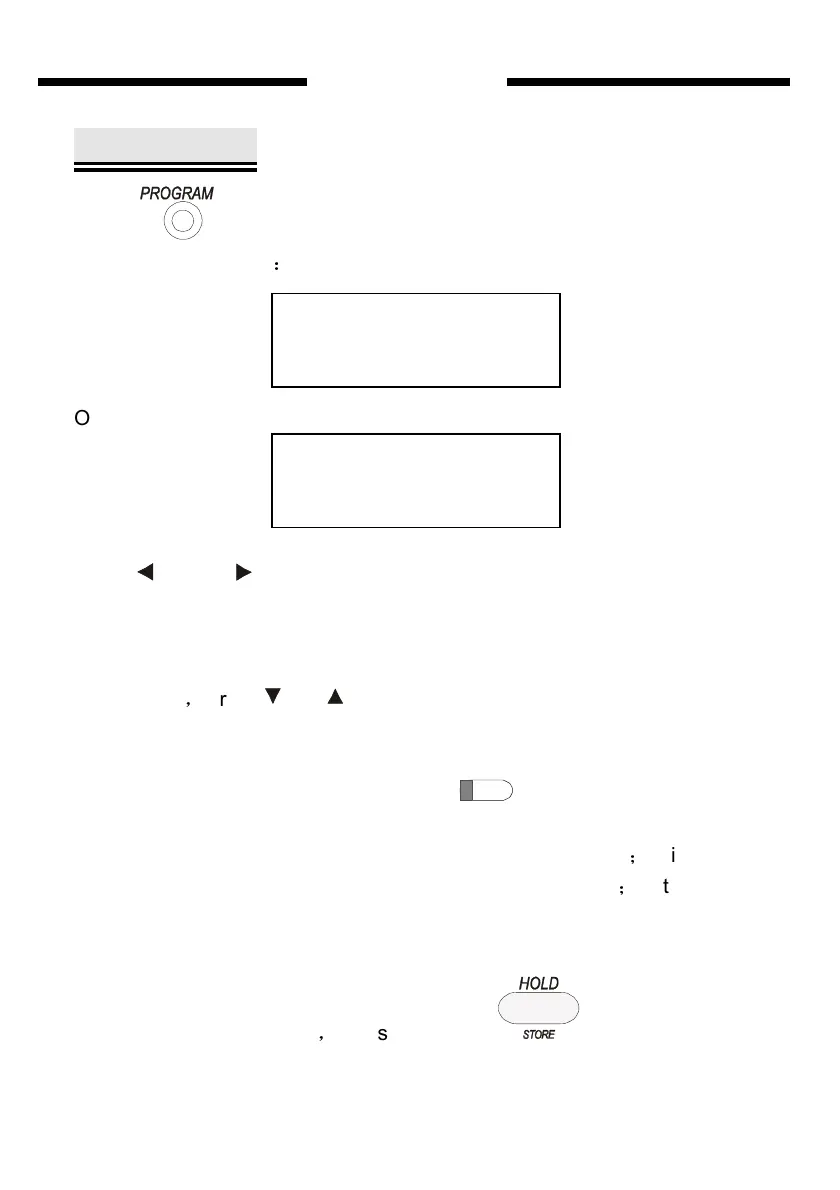
Press three time then system will enter DSS Setting state , LCD
will display as follows
:
Or
Press and (navigate key) ,you can adjust one of the three
parameters in DSS Setting which is “DSS number” or “CO./EXT” or “CO
line number/EXT number”. When select one of those item, the cursor will
move to the optional. It can be select recycle.
At the time
,
press and (navigate key) can adjust the chosen item
parameter, for example when cursor is at DSS NO; You can press the two
keys to adjust from 1 to 72 (there are 72 DSS key total in this key phone),
certainly you also can press DSS key directly to modulate the
parameter.
Select “CO.” or “EXT” assign to a corresponding DSS key
;
If it is a CO.
selection, adjustable range by the two keys is from 1 to 8
;
If it is an EXT
selection, adjustable range by the two keys is from 1 to 96. It can be select
circularly.
After you finish the setting
,
please press key
to save the setting,
you will hear “DI” to show save successfully.
DSS SET
01 CO. 01
DSS SET
01 EXT 01-6010


 To Next Page