1742
17
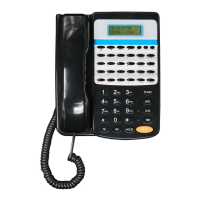
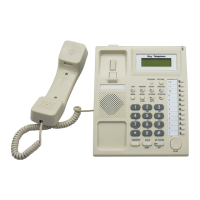
Key Telephone
Day /Night service mode setting
Enter Day service mode
:
Pick up+ # + 2 + 0
+ # 20 Enter day mode
Enter Night service mode
:
Pick up + # + 2 + 1
+ # 21 Enter night mode
Remark: Above setting only available in Manual switch mode.
System enter auto switch mode: Pick up+ # + 2 + 2
+ # 22 Enter auto switch mode
System enter manual switch mode: Pick up+ # + 2 + 3
+ # 23 Enter manual switch mode
Alarm clock setting
Pick up+ # + 4 Phone is directly into the alarm setting menu, detail
operation in the introduction of the USE SETTING.
+ # 4 enter the alarm clock setup parameters
Press EXIT key (SP-PHONE key) to exit.
REMARK
:
::
:
>> Press PROGRAM key one time to enter USE setting
>> Press PROGRAM key three times to enter DSS setting.
>> Press PROGRAM key four times to enter auto dial number setup.
>> Press PROGRAM key two times to enter System program state.
Press EXIT three times to exit to hang up state.


 To Next Page