3042
30
Key Telephone
first“*”will flash
,
prompt you to input the password again.)
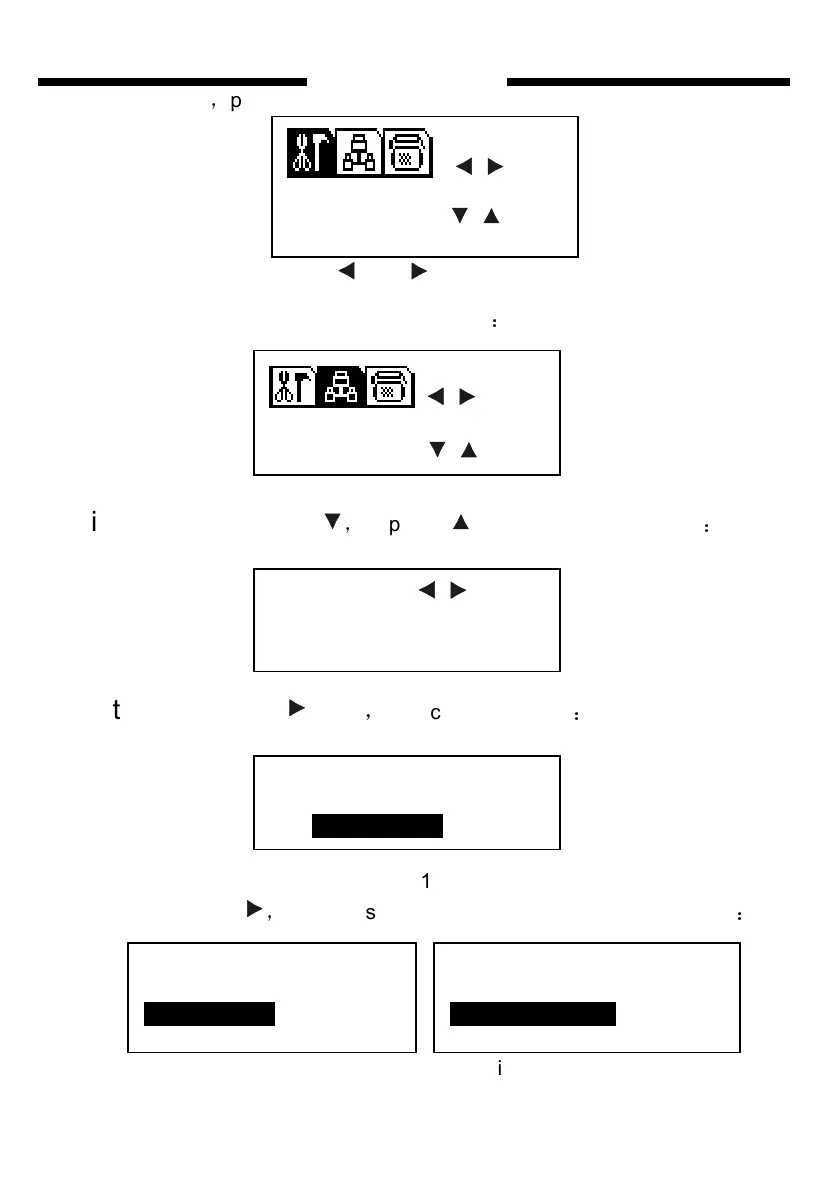
Fourth step : press or to choose “EXT. PARA” (or input
number 202 directly) , and the LCD will show
:
Fifth step:press twice
,
or press 11 times, the LED show
:
Sixth step:press once
,
the screen will show
:
Fig 6.1
continue to press
,
you can select from Fig 6.2, 6.3, 6.4 show below
:
Fig 6.2 Fig 6.3
SEL
S Y S. P A R A. ENT
E X T. P A R A S E L
OUT MODE
DIAL OUT MODE
01 DE-DIRECT
DIAL OUT MODE
ALL DIRECT
DIAL OUT MODE
ALL DE-DIRECT
SEL
E X T. P A R A ENT


 To Next Page