2942
29
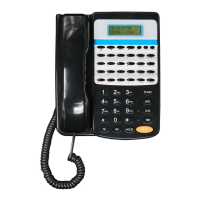
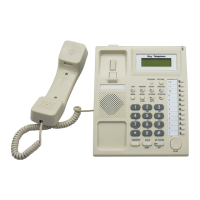
Key Telephone
At that time
,
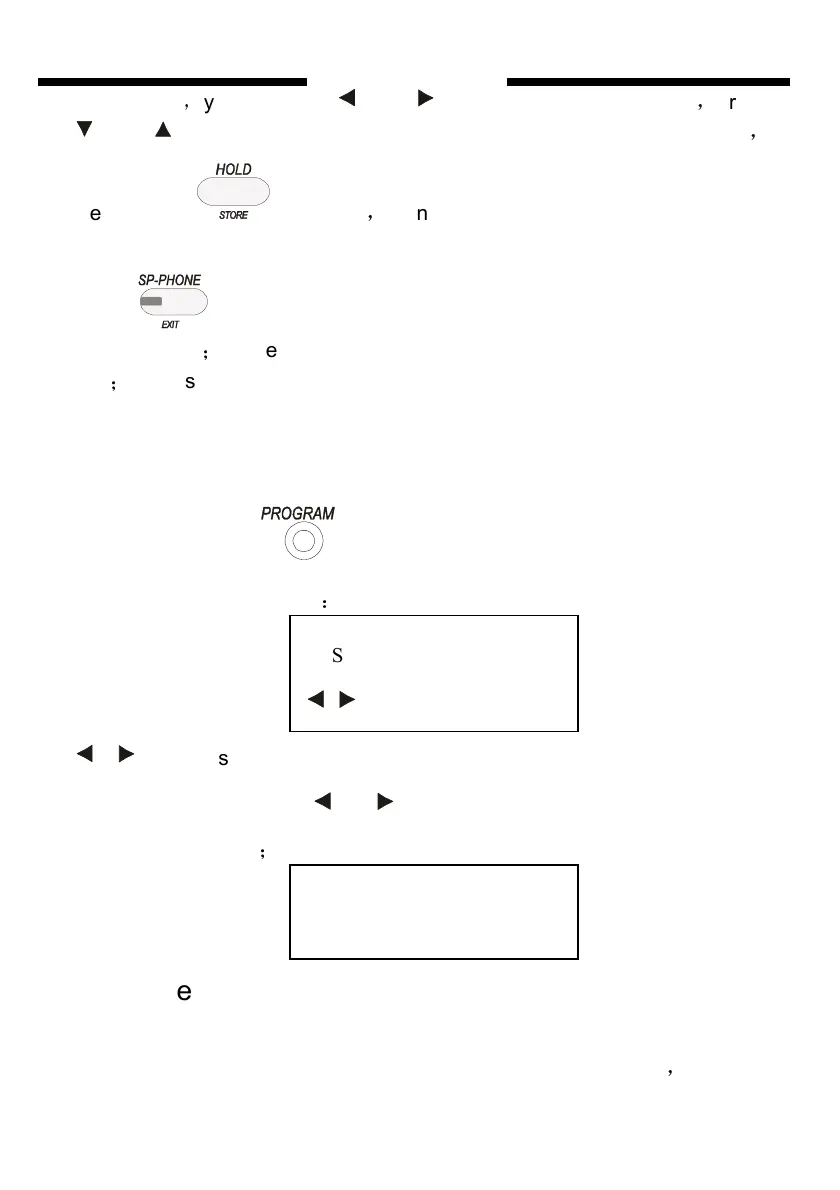
you can press and to choose setting subentry
,
press
and to adjust the parameter of setting subentry. After finish setting
,
please press to save
,
then you will hear “DU” to show it saved
successfully. If you need to continue to set other parameters, you can
press once come back to the last menu, choose other options of
the same sort
;
or press twice to come back to sort choice menu to choose
sort
;
or press three times to exit system program setting. the phone will be
in NORMAL IDLE state.
Take to set dial-out mode of extension 20 as direct dial-out mode as
example
First step:press twice to enter SYSTEM PROGRAM state, the
LCD will display as follows
:
ENTER is flashing
Second step:press or , the LCD will display as follows, “****”
will flash continually
;
Third step:
input the system password, the default password is
“0000”,while entering the correct password the LCD will show (If you input
the error password, you will hear warning voice “DI,DI,DI”
,
and the
SYS. PROGRAM
ENTER
PASSWORD
* * * *


 To Next Page