Setting up and Using Your PX1
24 PX1
Adjusting the Date and Time
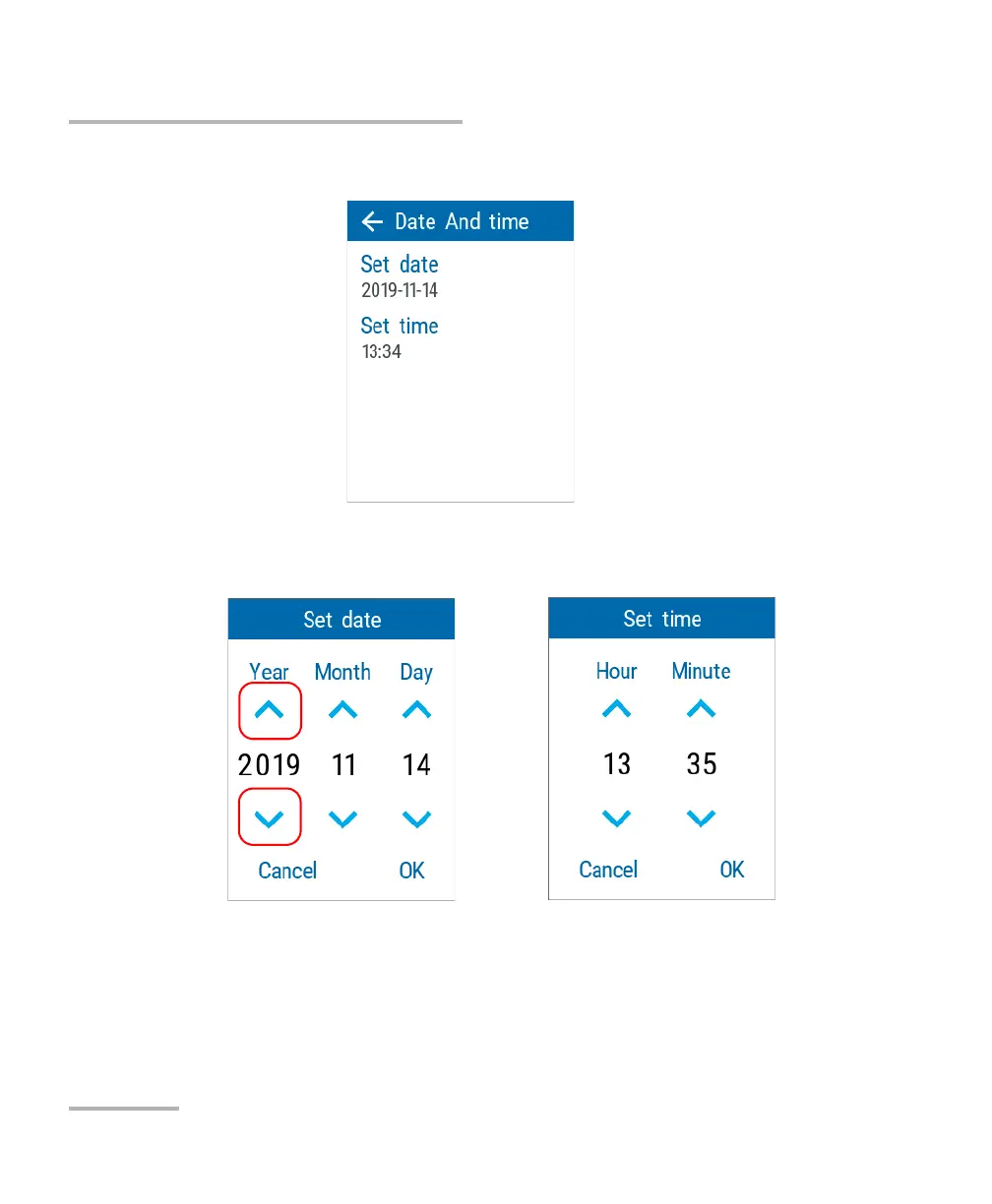
3. Tap the element corresponding to the value that you want to modify.
4. Using the arrow buttons, modify the settings according to your needs,
and then tap OK to confirm.
The new values are taken into account immediately.



 To Next Page